Writing about ToMe?
The facts, ready-to-paste boilerplate, screenshots, device images, the new iPhone Duo set and brand assets. Take what you need: no permission required for editorial coverage.
Fact sheet
New: iPhone Duo
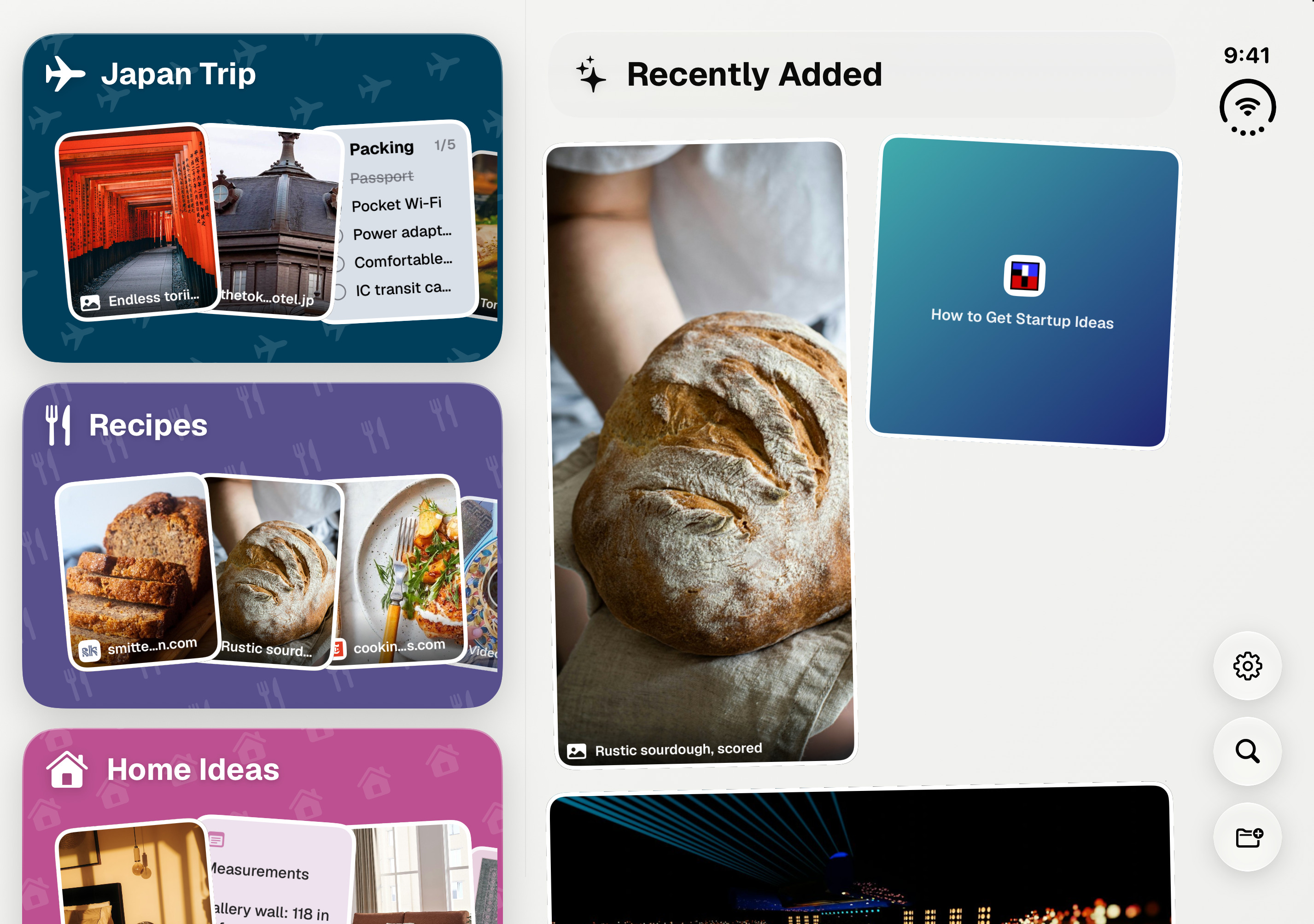
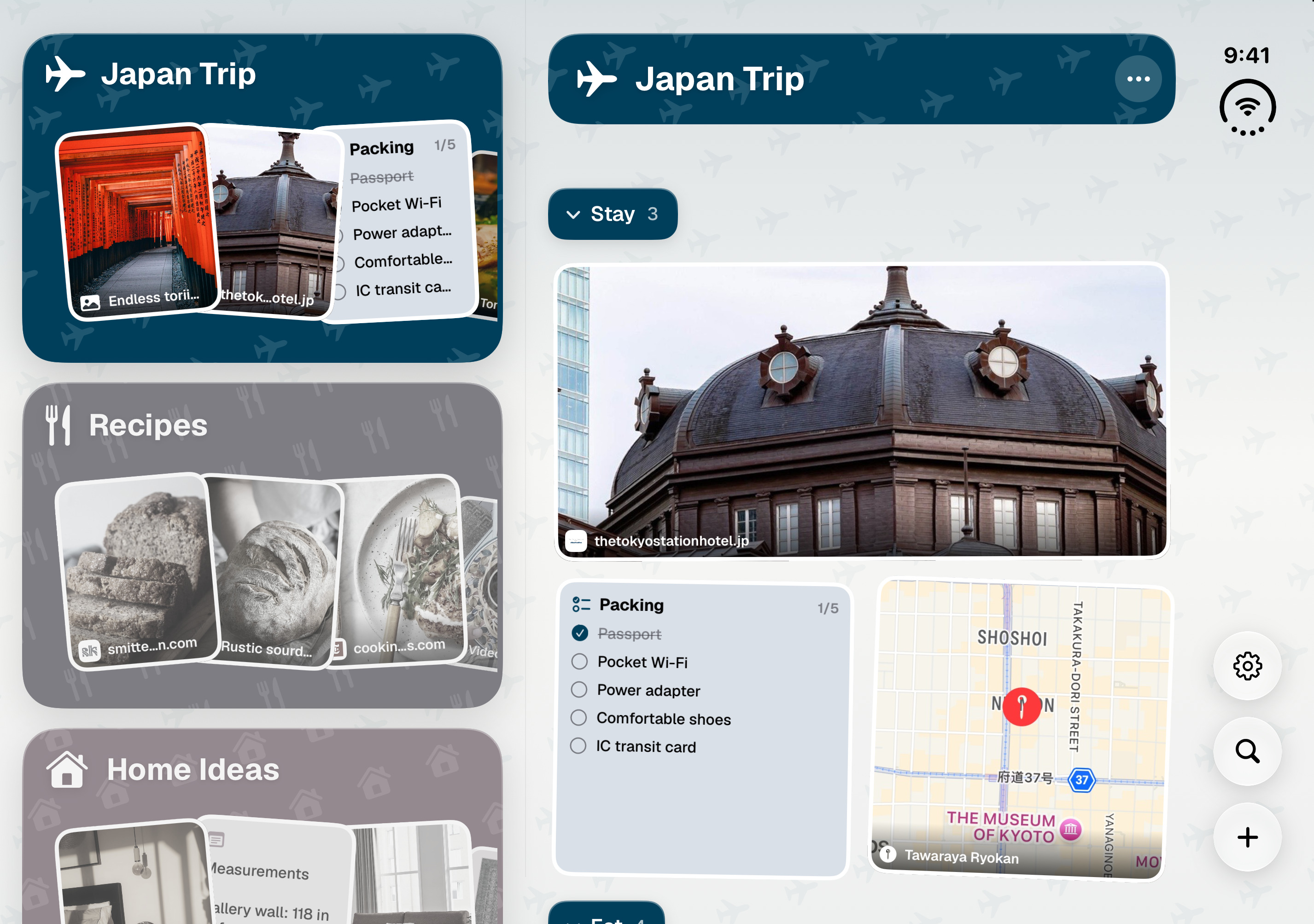
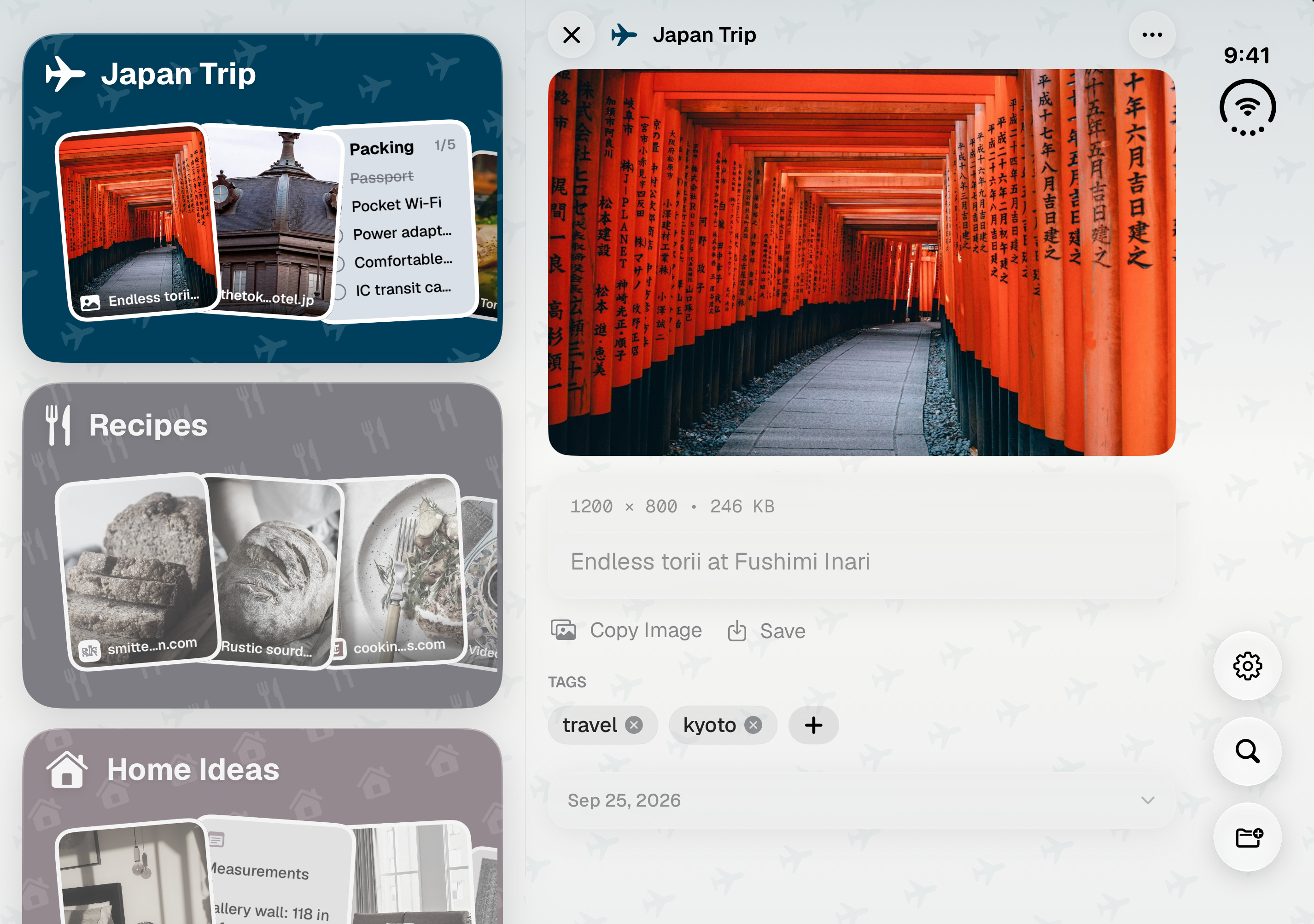
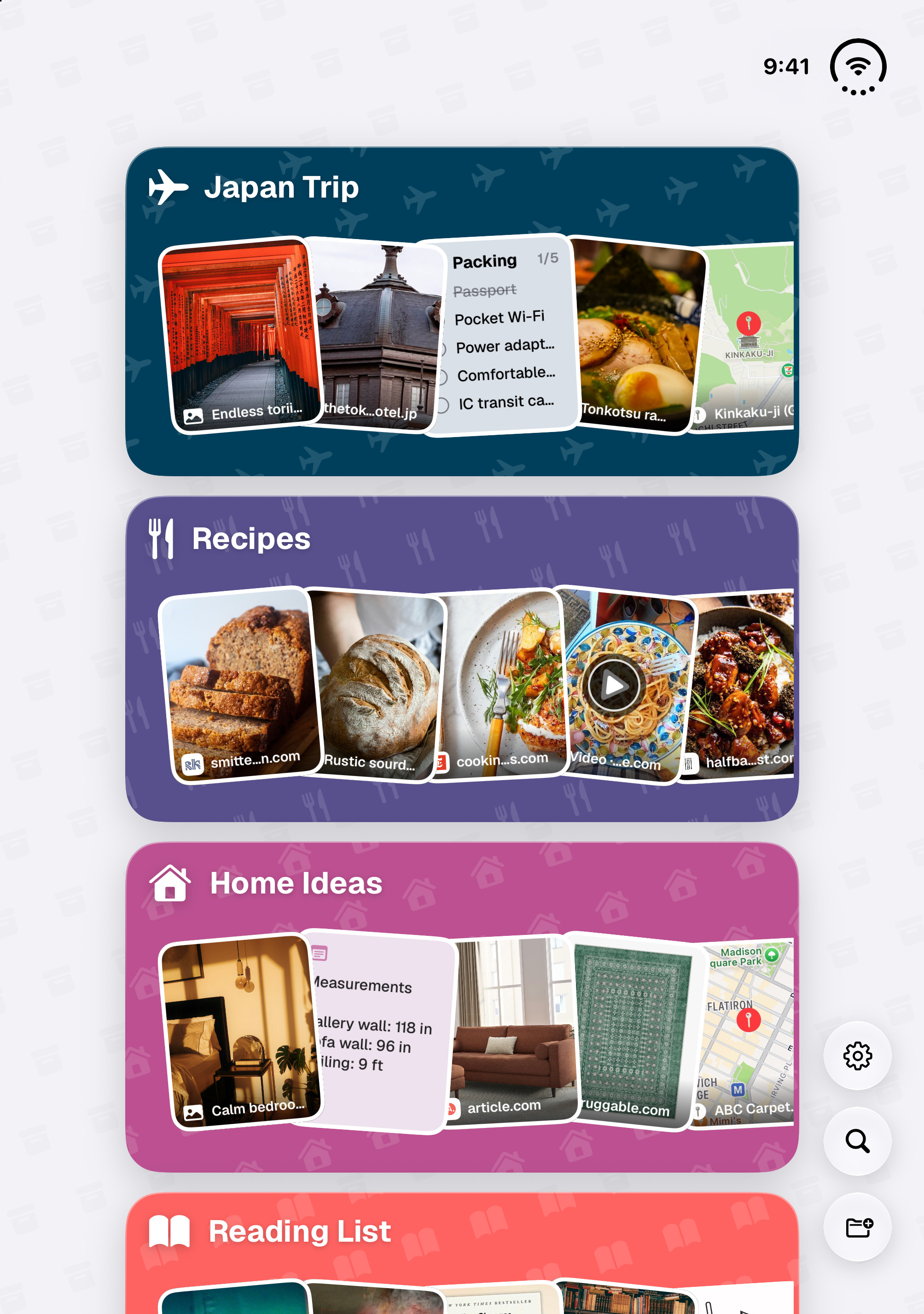
ToMe 2.2.2 is made for iPhone Duo. The promo video, a text-free header image and every Duo screen, framed and bare, are all here.
Made for iPhone Duo.
ToMe now adapts as you fold and unfold iPhone, keeping your space and your place.
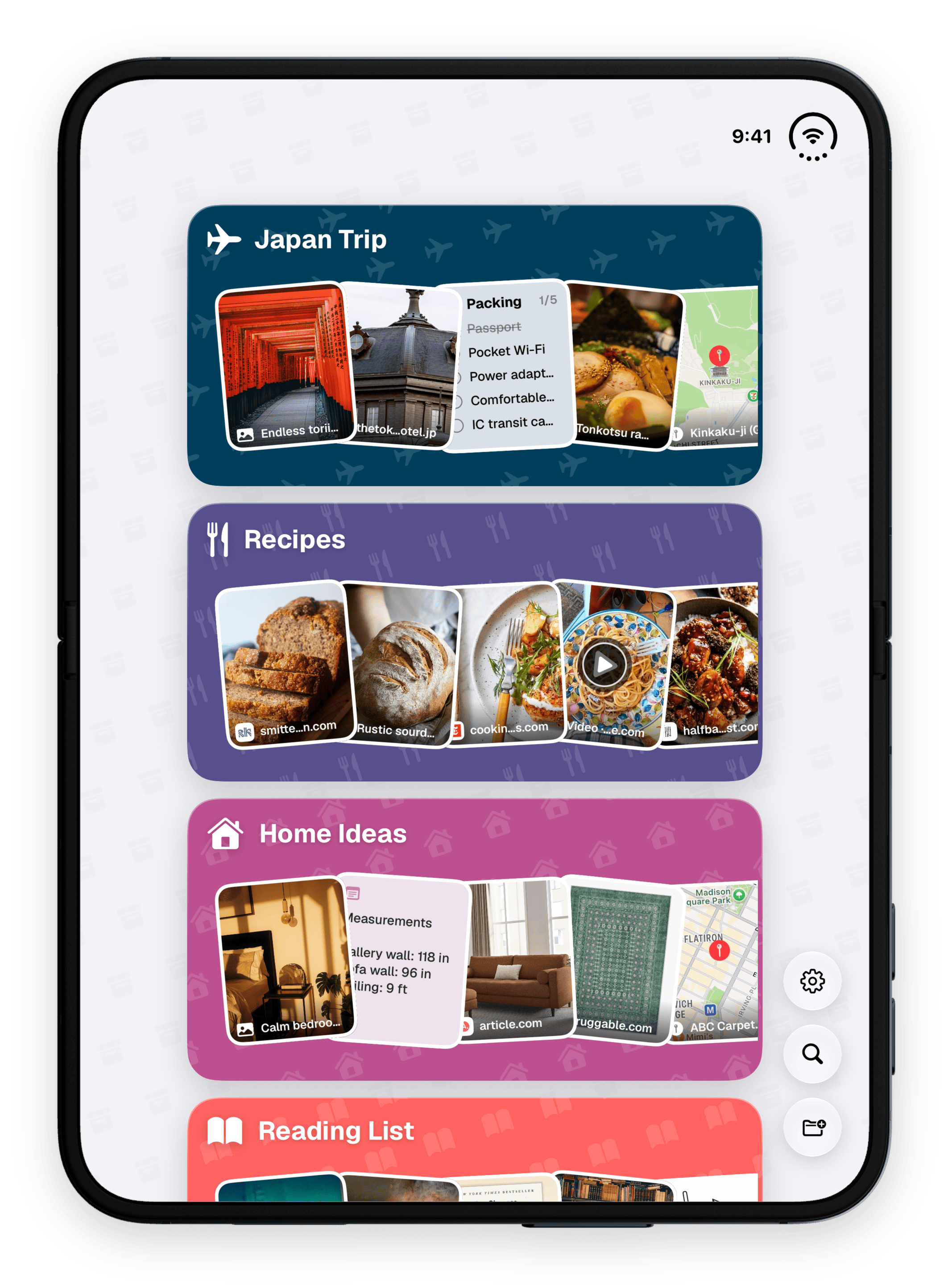
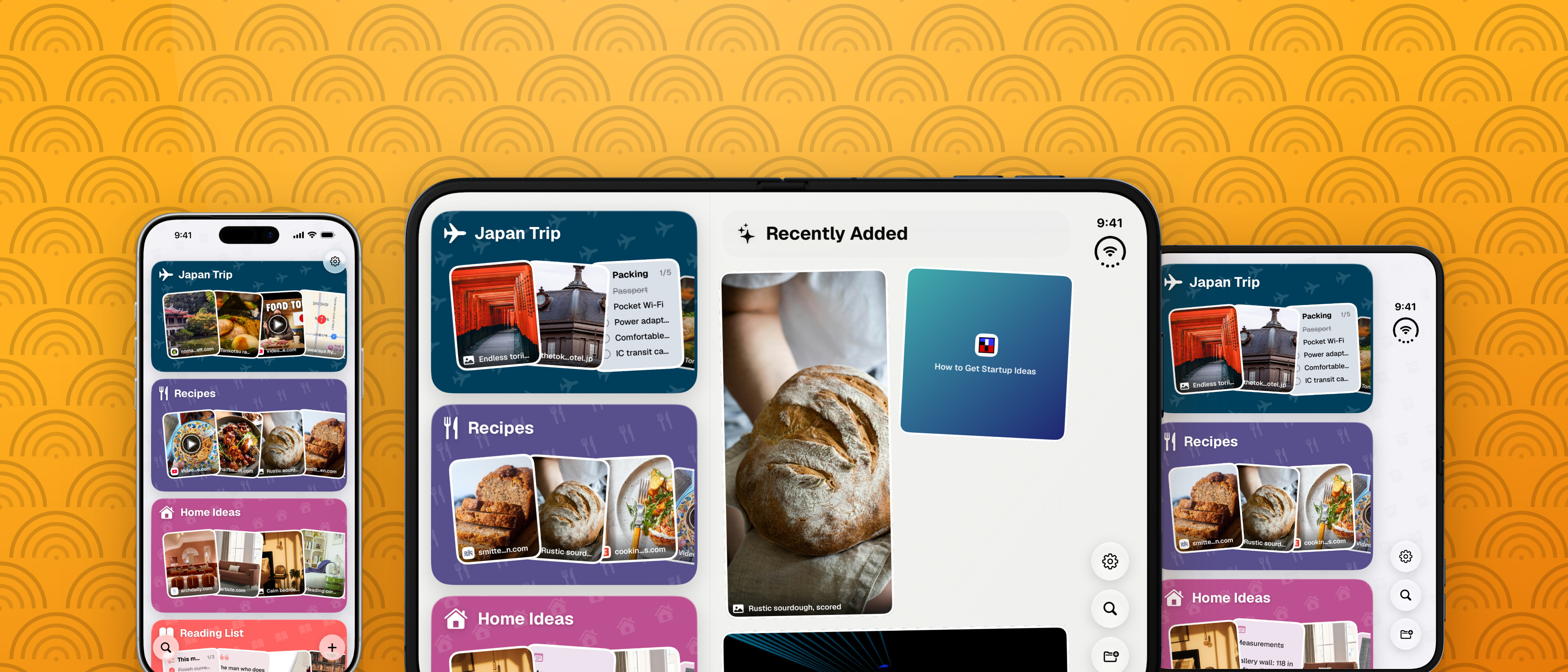
- Open and held wide: a split layout, with your Spaces in a column beside the open Space or item.
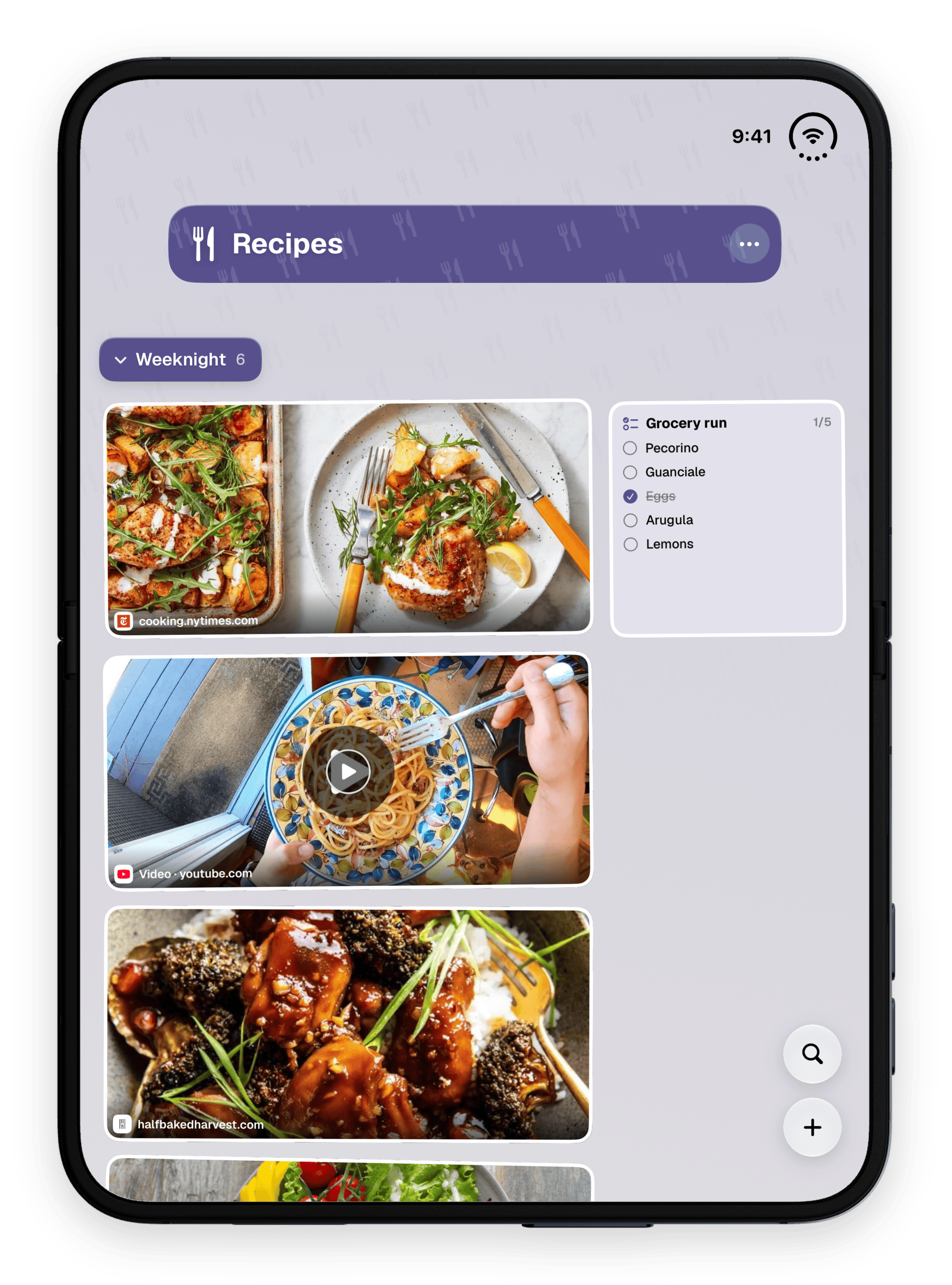
- Open and held tall: the home of Spaces, or an open Space, in one column on the big screen.
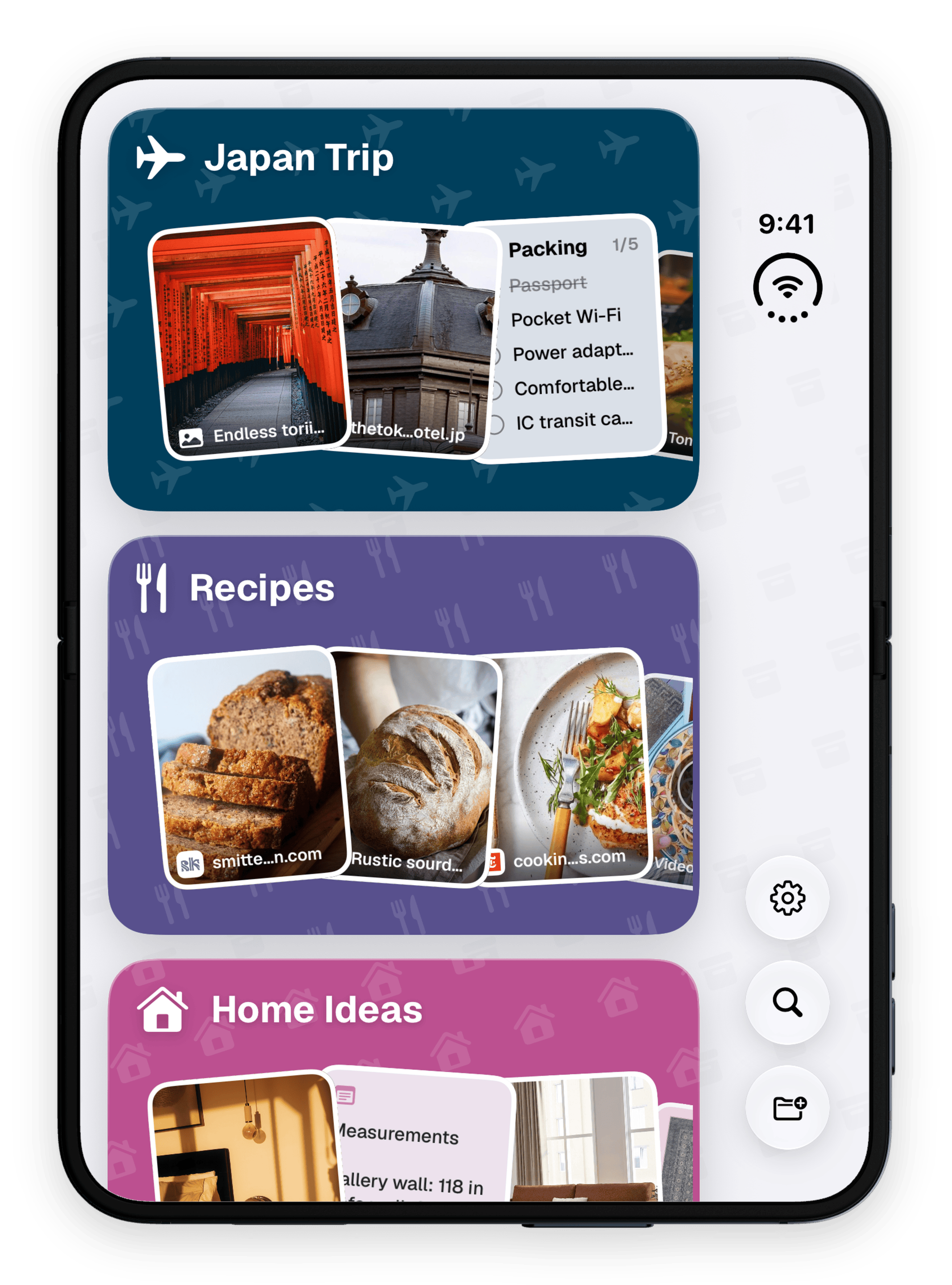
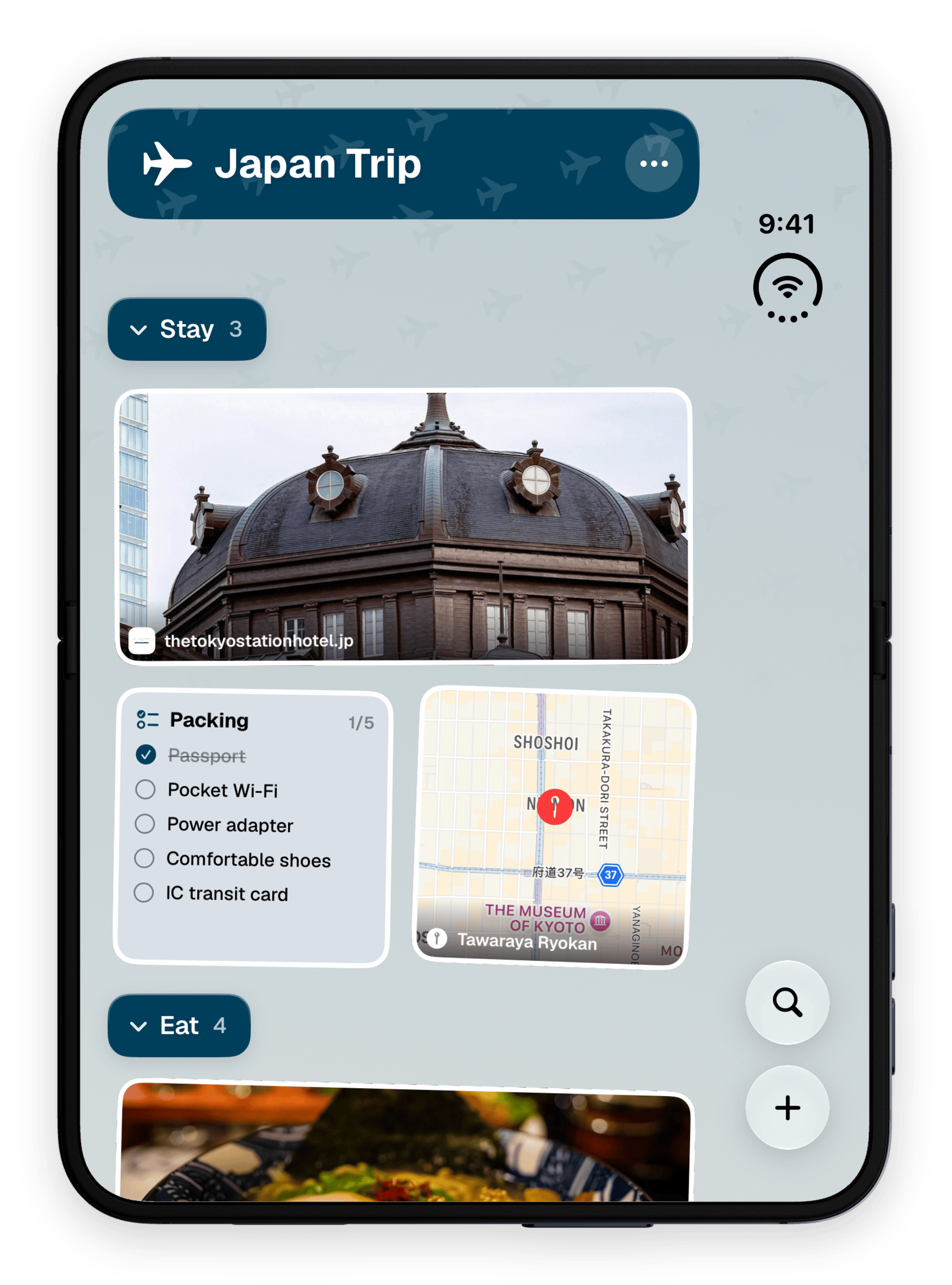
- Folded: the full app on the cover screen, and folding keeps the Space you were in.
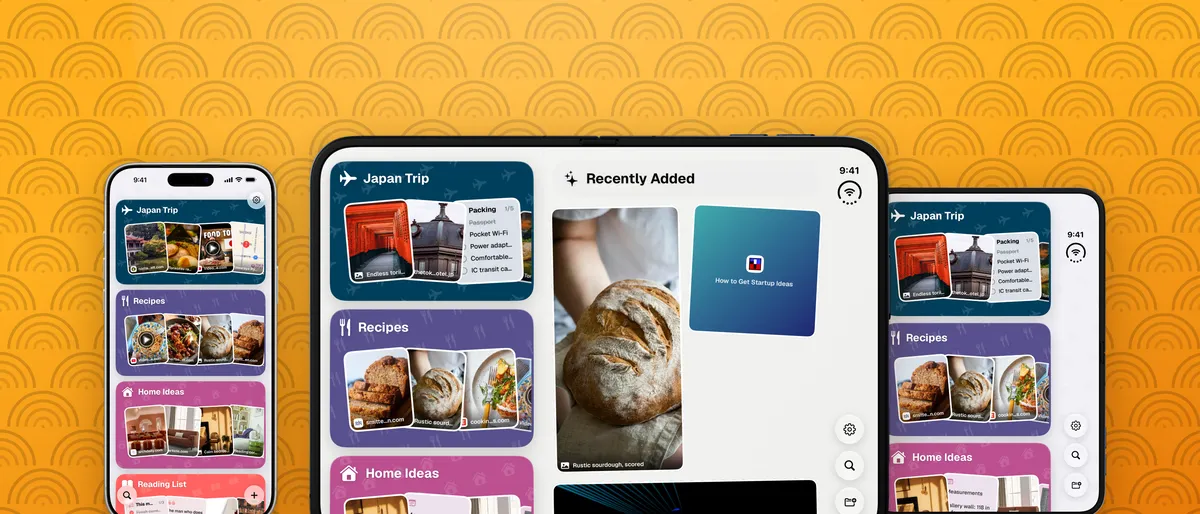
iPhone Duo, open, held wide · 2880 × 2134 · transparent PNG
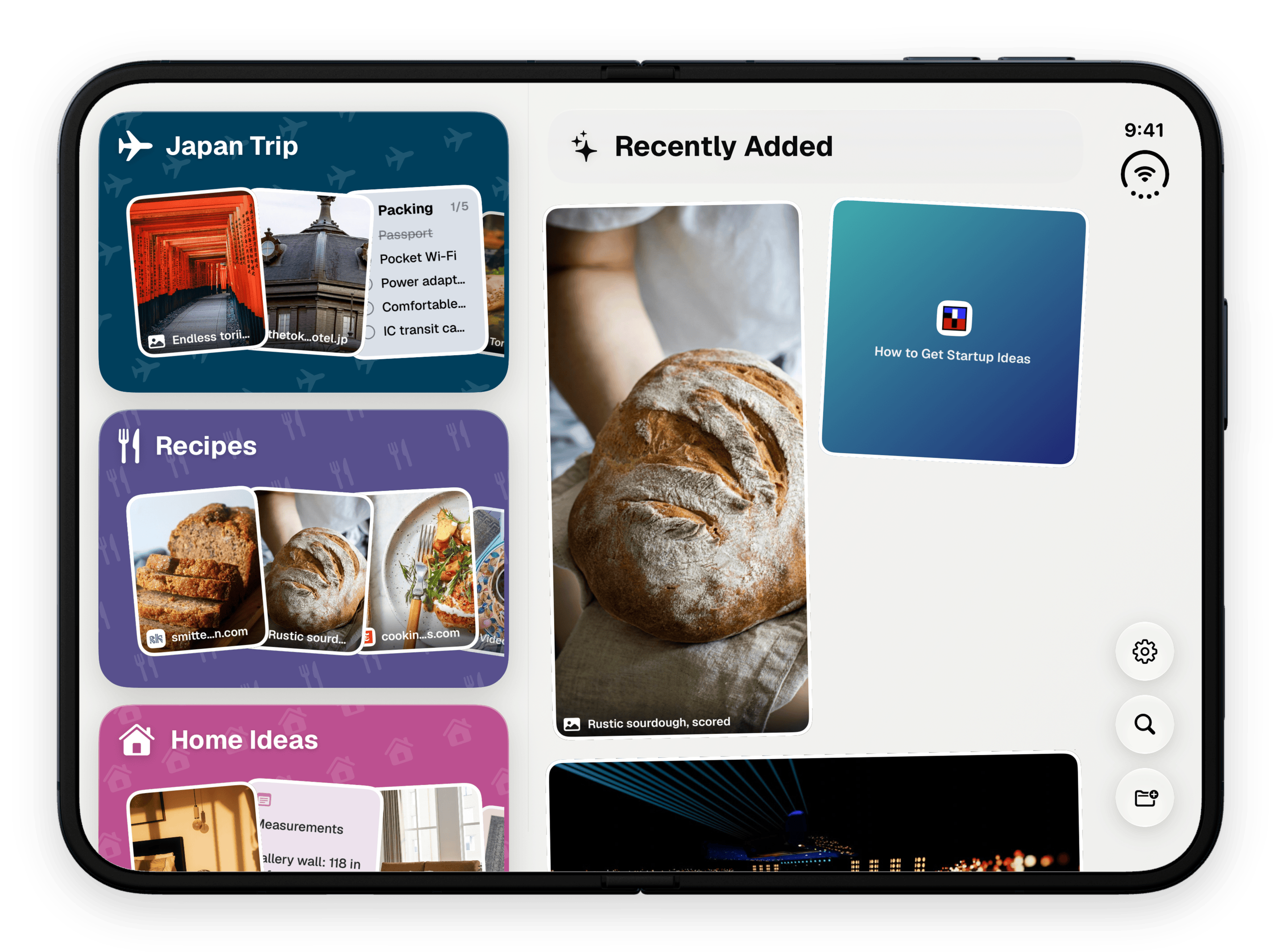
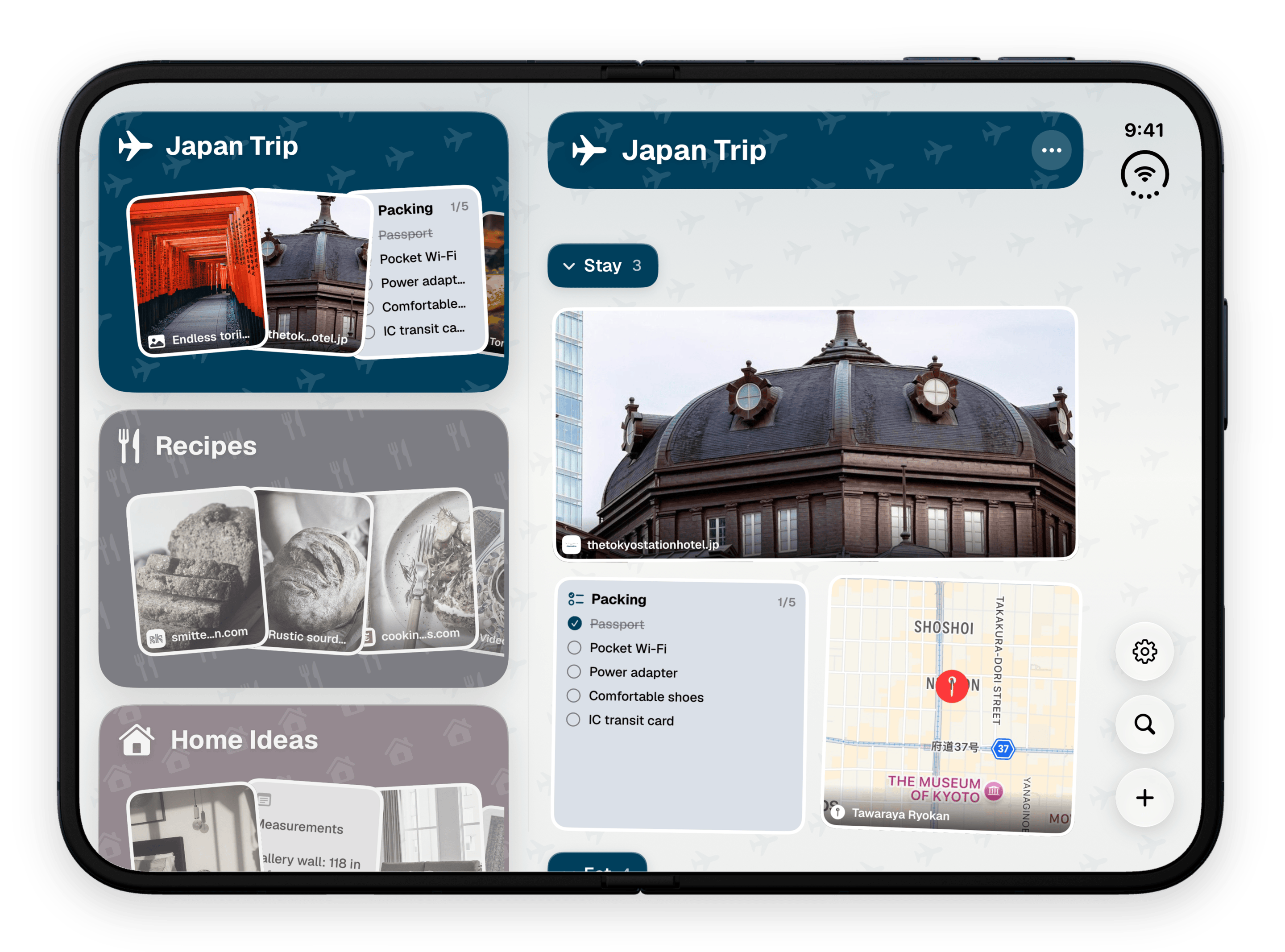
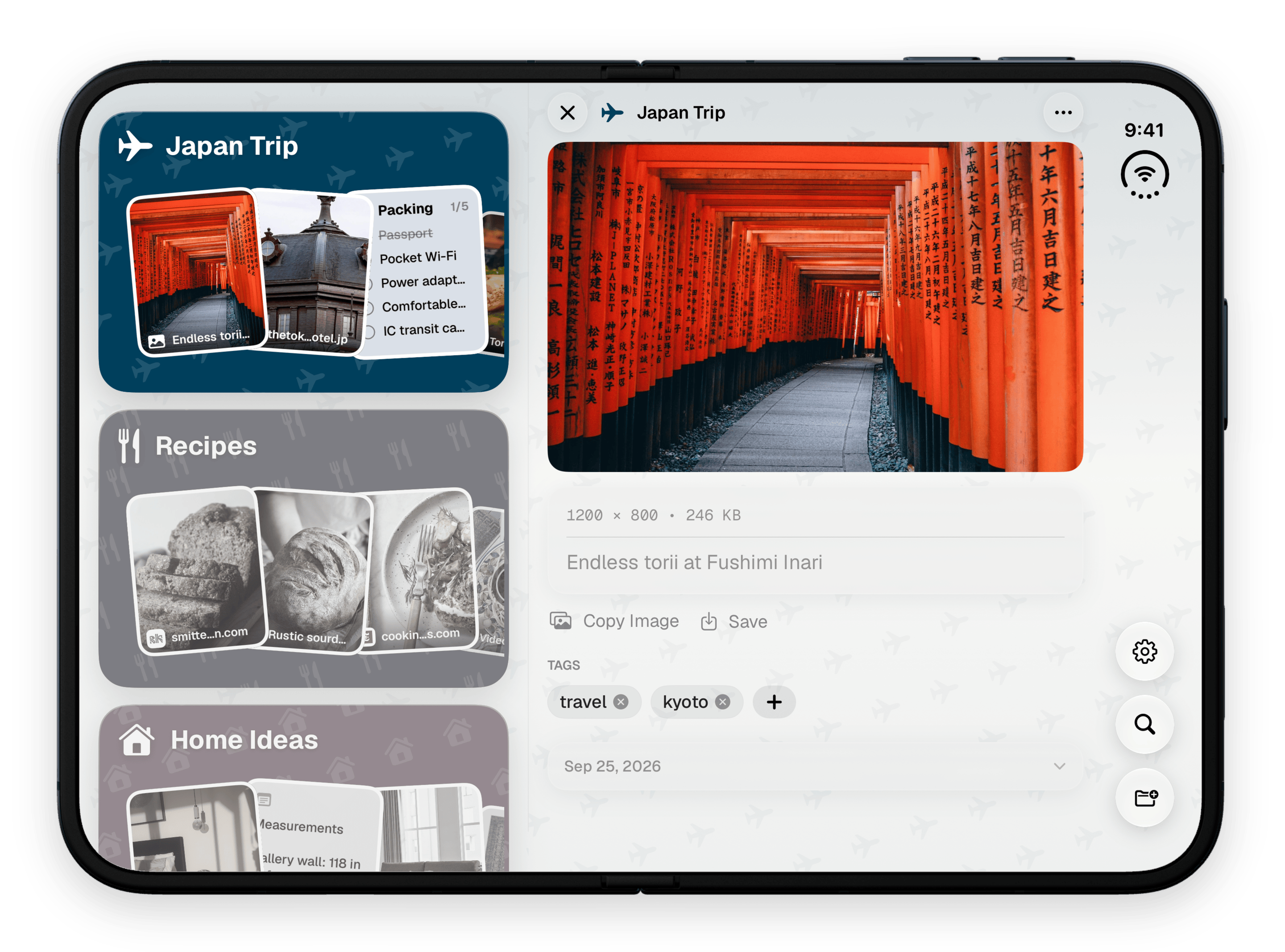
iPhone Duo, open, held tall · 2134 × 2880 · transparent PNG
iPhone Duo, folded · 2134 × 2880 · transparent PNG
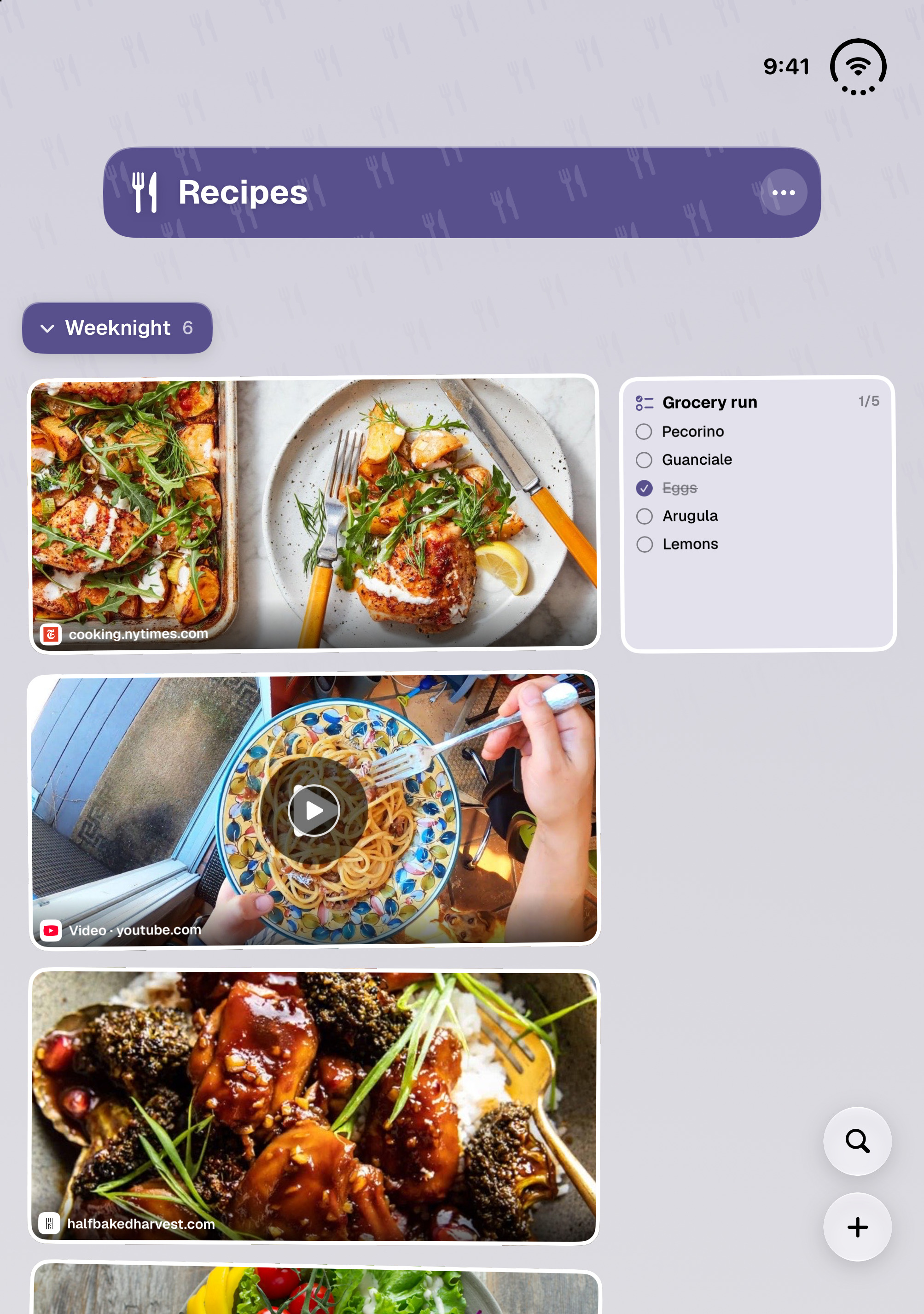
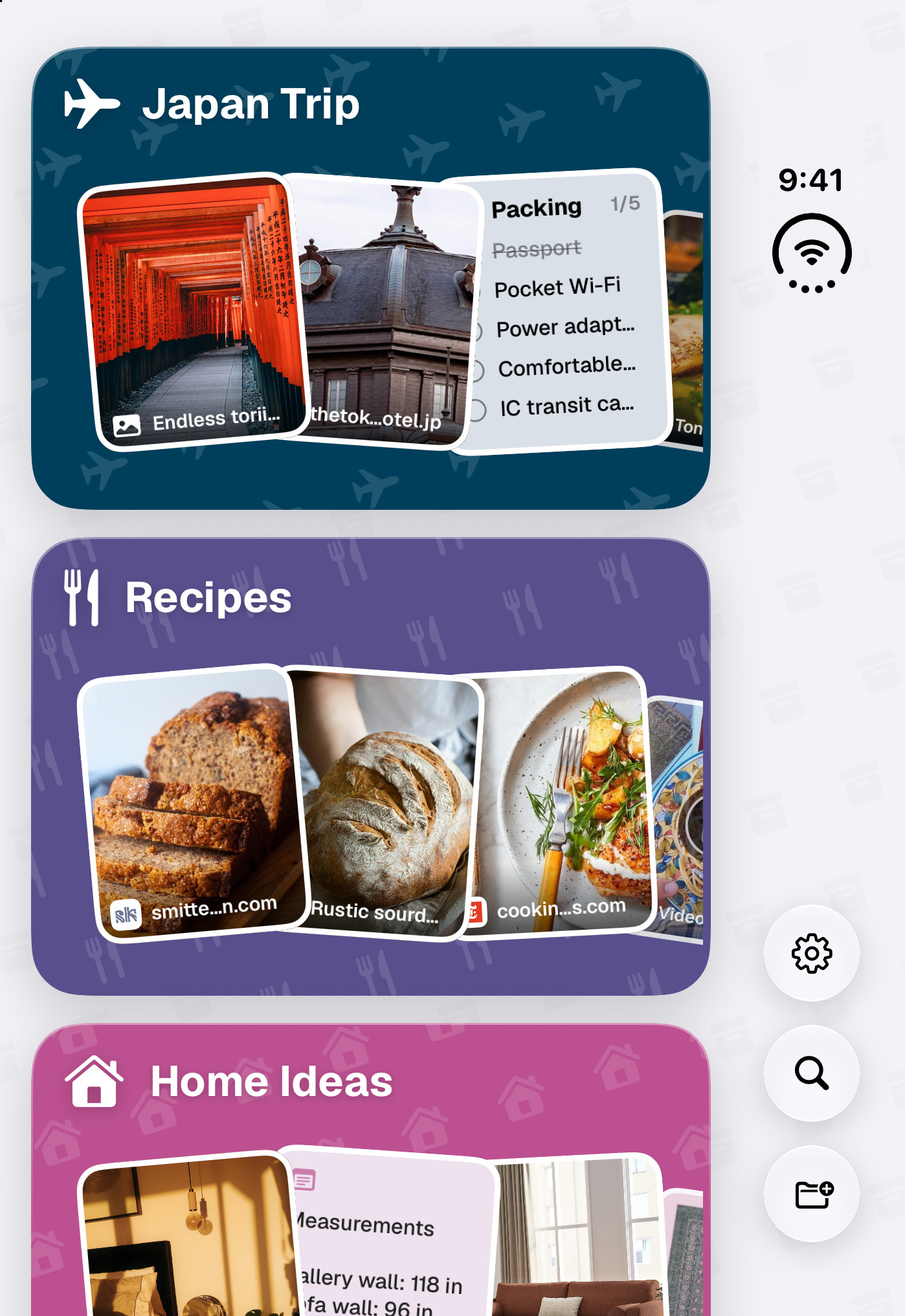
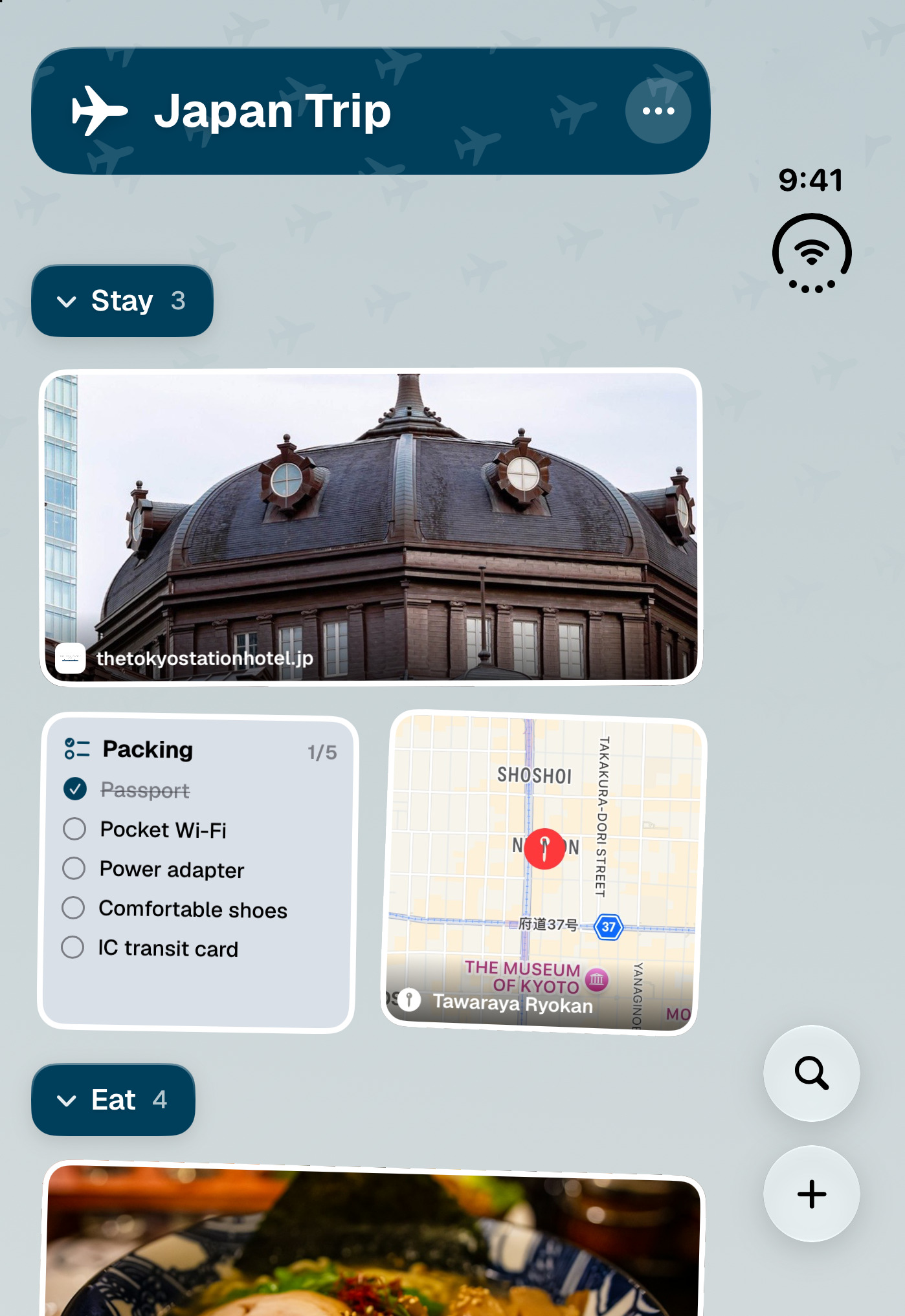
iPhone Duo screenshots · no frame
Boilerplate
Copy these as-is, or cut them down — no need to check with us first.
ToMe is a personal store for the things you'll want to find later. Share anything from any app into a colorful space, and it's filed, tagged and searchable — the organized version of sending things to yourself.
ToMe is an iPhone, iPad and Mac app for the habit almost everyone has: sending links, screenshots, notes and files to yourself, then never finding them again. It lives in the iOS share sheet, so anything you come across goes in with a couple of taps and lands directly in the space you pick — Recipes, a trip, a project. Inside a space, sections and tags keep things ordered; fuzzy and semantic search, plus system-wide Spotlight, get them back out. On iPhone Duo it adapts as the phone folds and unfolds, keeping the user in the Space they were in. Everything syncs privately through the user's own iCloud, spaces can be locked behind Face ID or kept off the cloud entirely, and the AI that suggests tags and summarizes links uses Apple Intelligence, on device or on Apple’s Private Cloud Compute.
What makes it different
The things worth knowing that a feature list won't tell you.
It is not a read-later app
ToMe is built around retrieval, not consumption. There is no feed, no queue and no unread counter guilting you — the pitch is that you can find the thing again six months later, and remember why you saved it.
The share sheet is the product
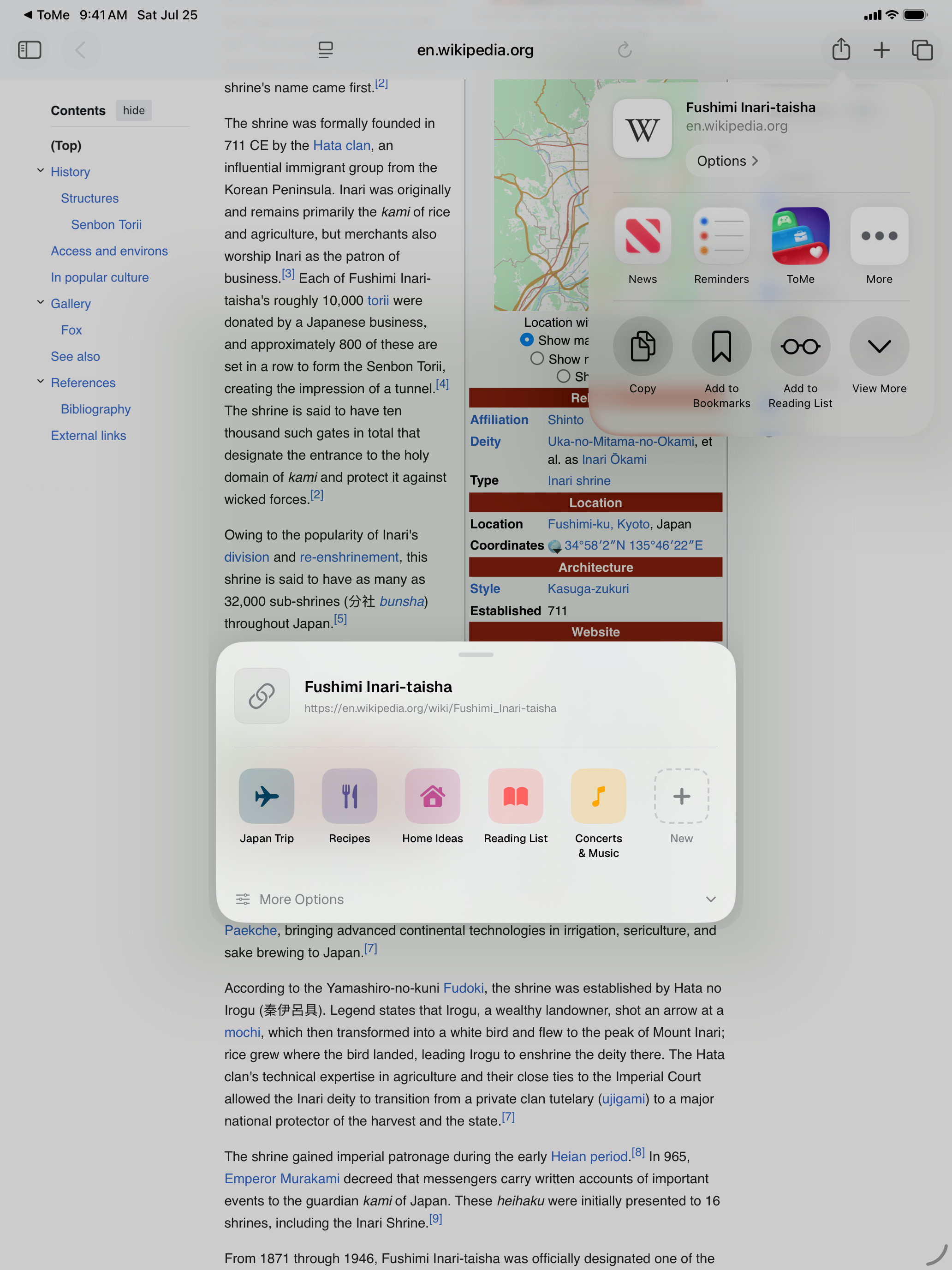
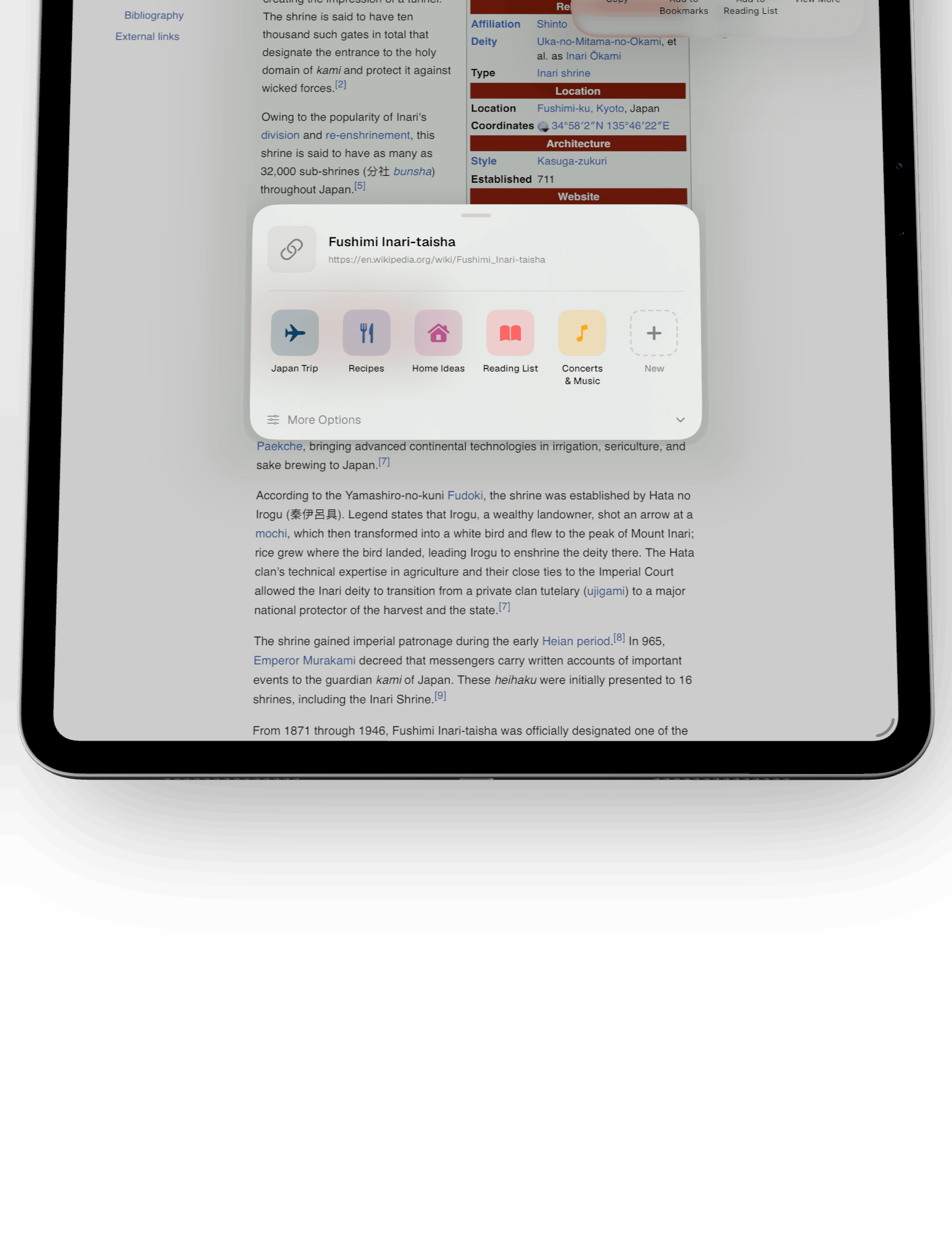
Capture is one gesture from inside whatever app you're already in. Your actual spaces appear in the sheet, so filing happens at save time rather than in a cleanup session that never comes.
Private by construction
Content lives on-device and in the user's own iCloud; there is no ToMe account and no server holding anyone's library. AI features use Apple Intelligence, on device or, for some features, Apple’s Private Cloud Compute.
What it does
- Save links, photos, notes, checklists, voice memos, map locations and files from any app's share sheet
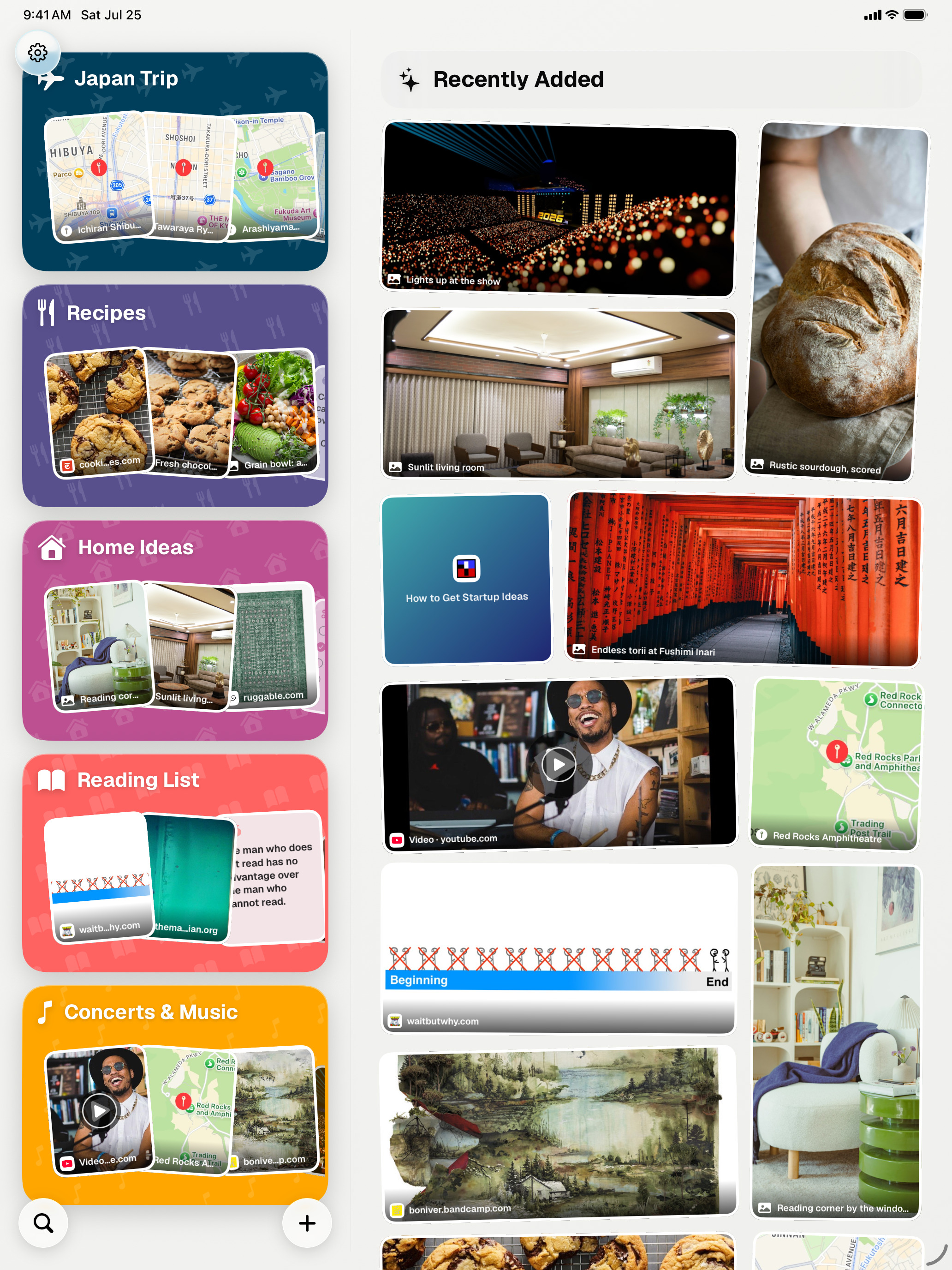
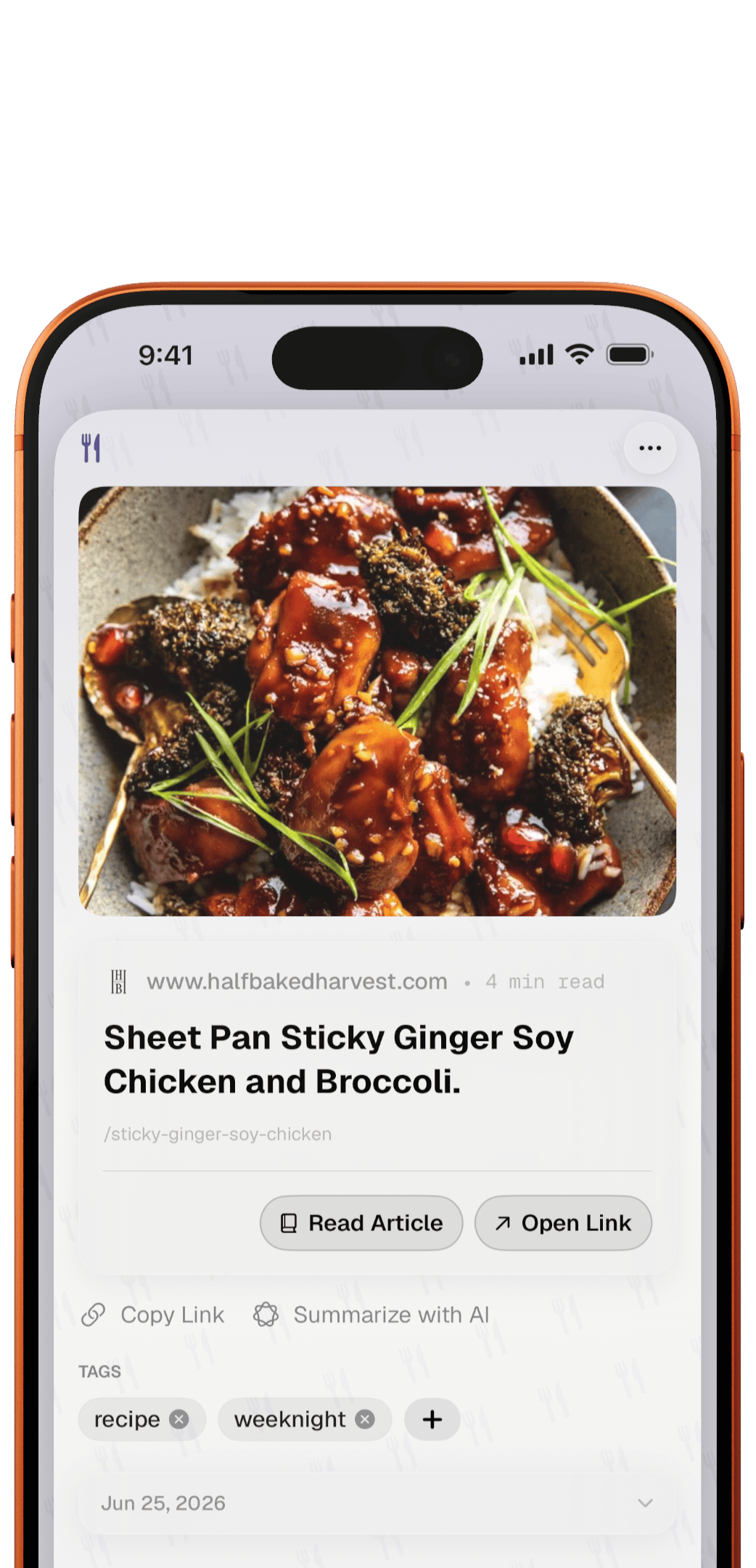
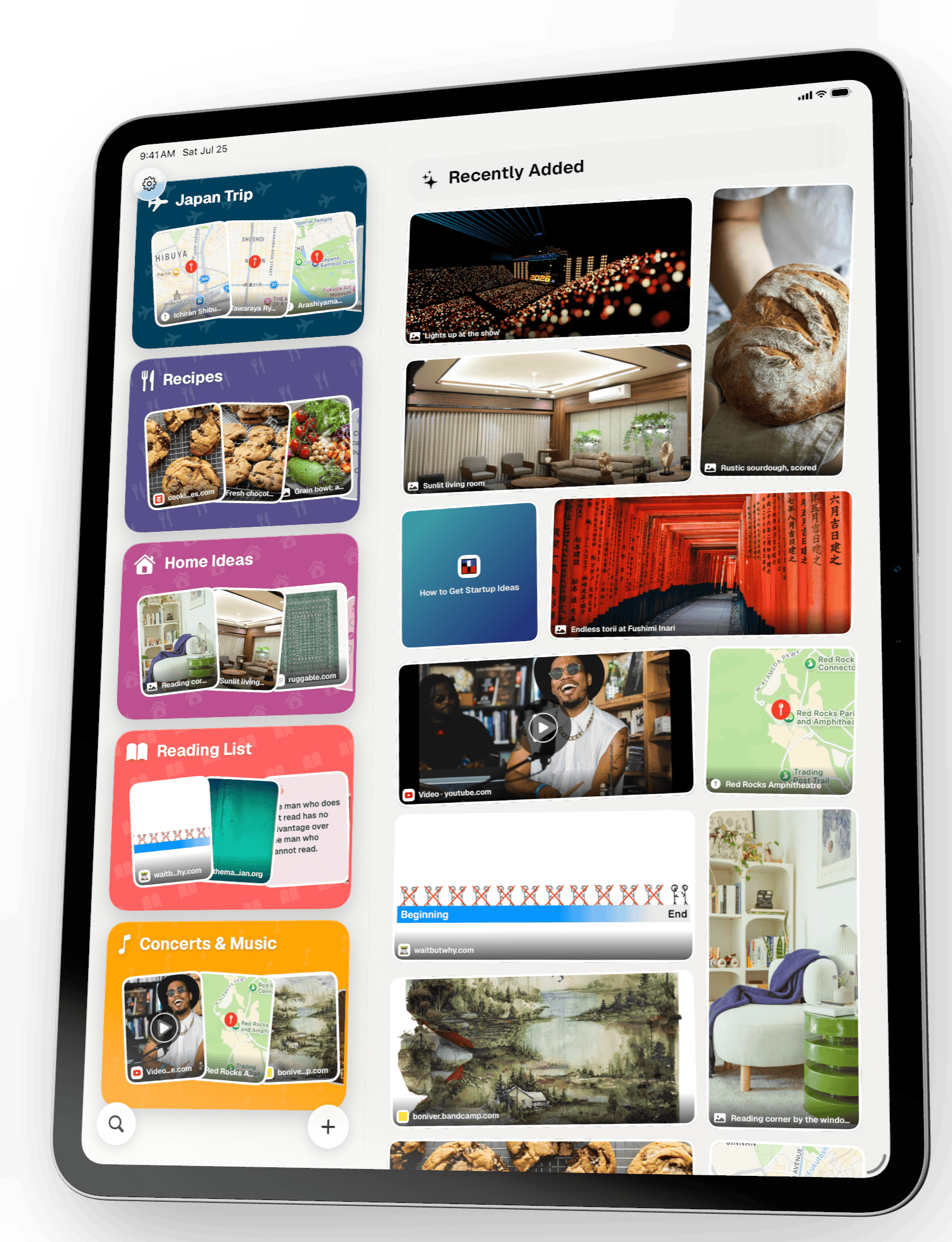
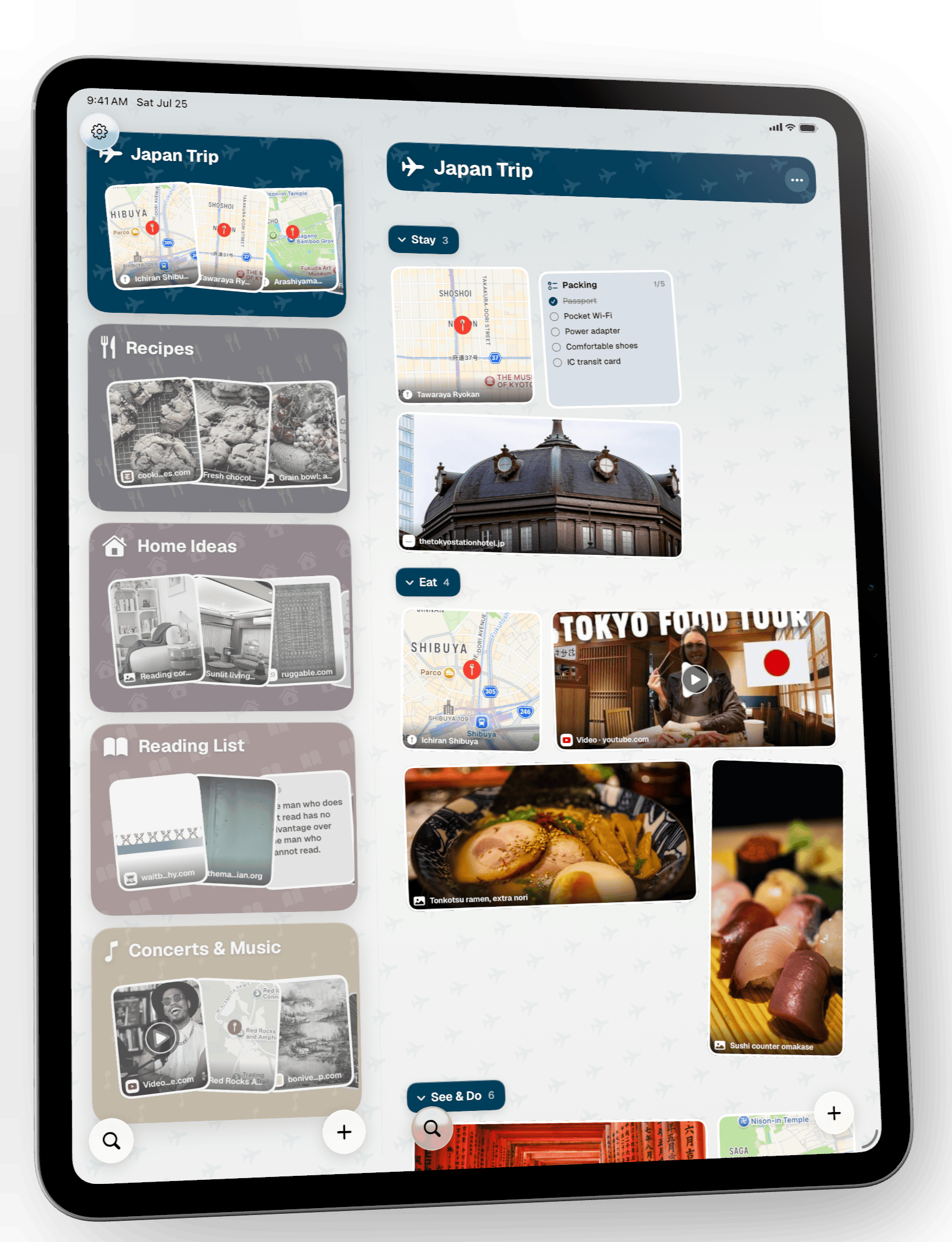
- Colorful folder cards, one per space, showing what's inside at a glance
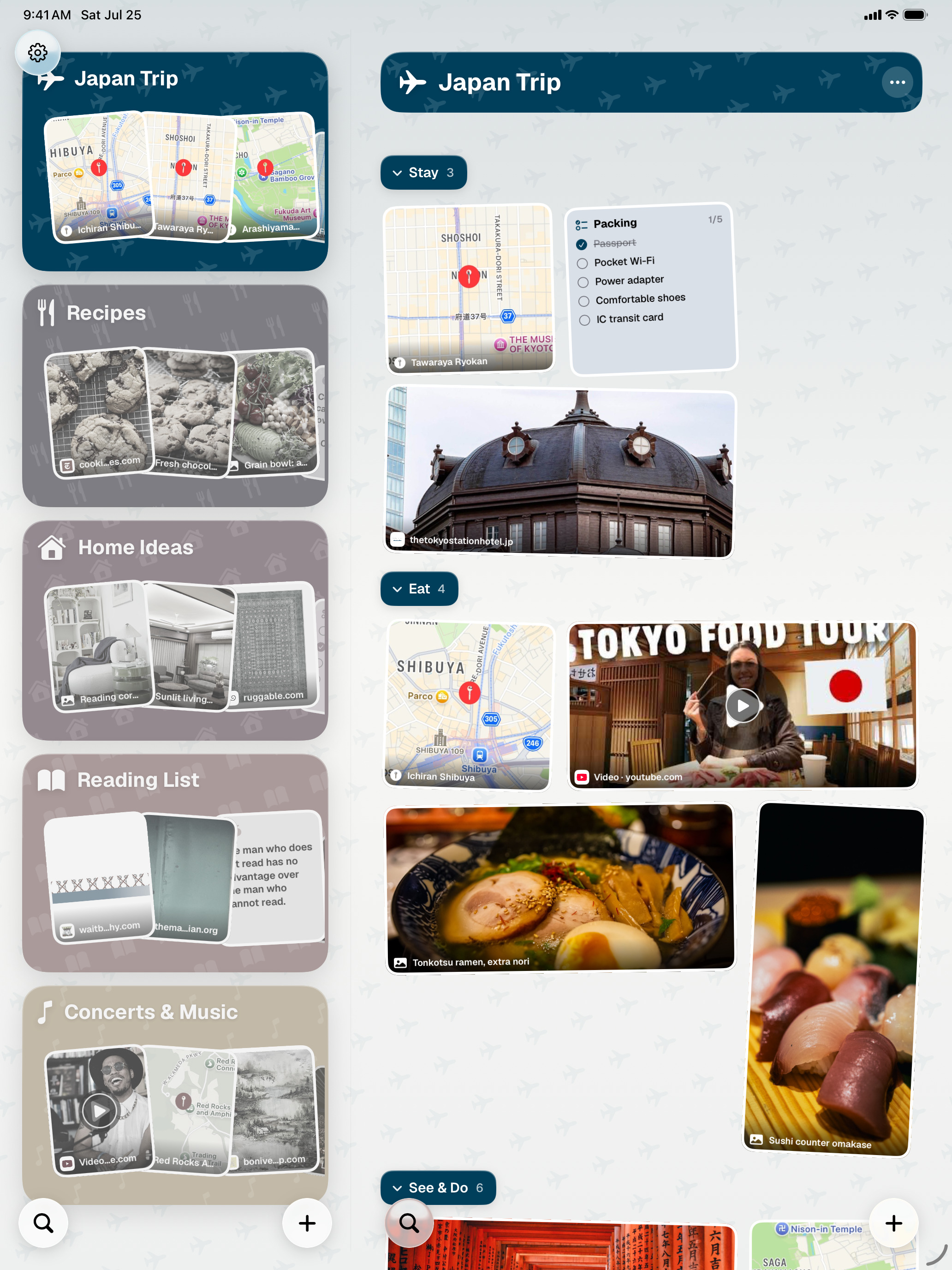
- Sections and cross-space tags for finer structure
- Fuzzy and semantic search, tag filters and system-wide Spotlight
- Rich link previews with offline article text
- Apple Intelligence: smart tags, summaries, voice transcription and image understanding
- Shared spaces over iCloud with read-write or read-only access
- Face ID-protected spaces and local-only spaces that never touch iCloud
- Private iCloud sync across iPhone, iPad and Mac, plus home and lock screen widgets
- Made for iPhone Duo: Spaces in a column beside the open Space when unfolded wide, the full app on the cover screen when folded
- Backup export and import, and 30-day recovery of deleted items
Screenshots
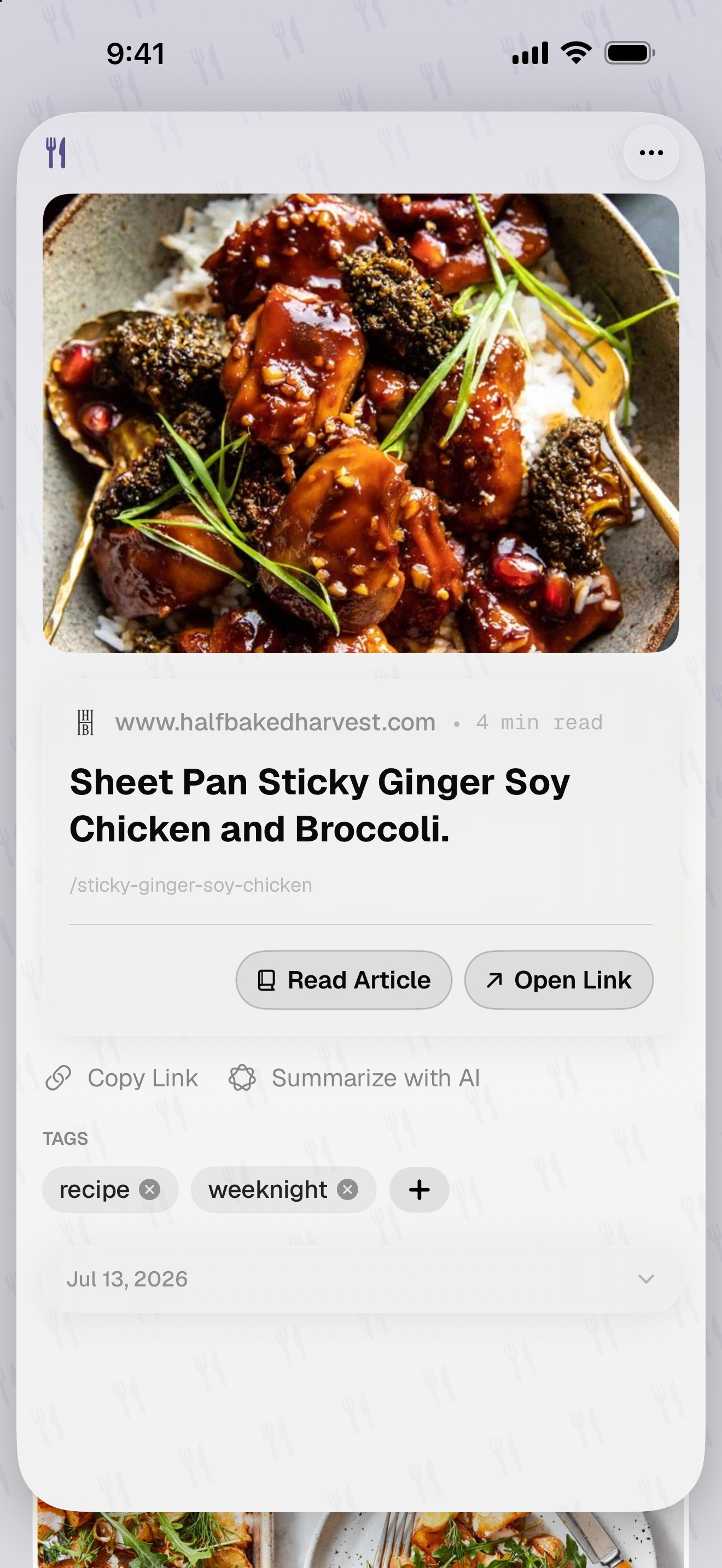
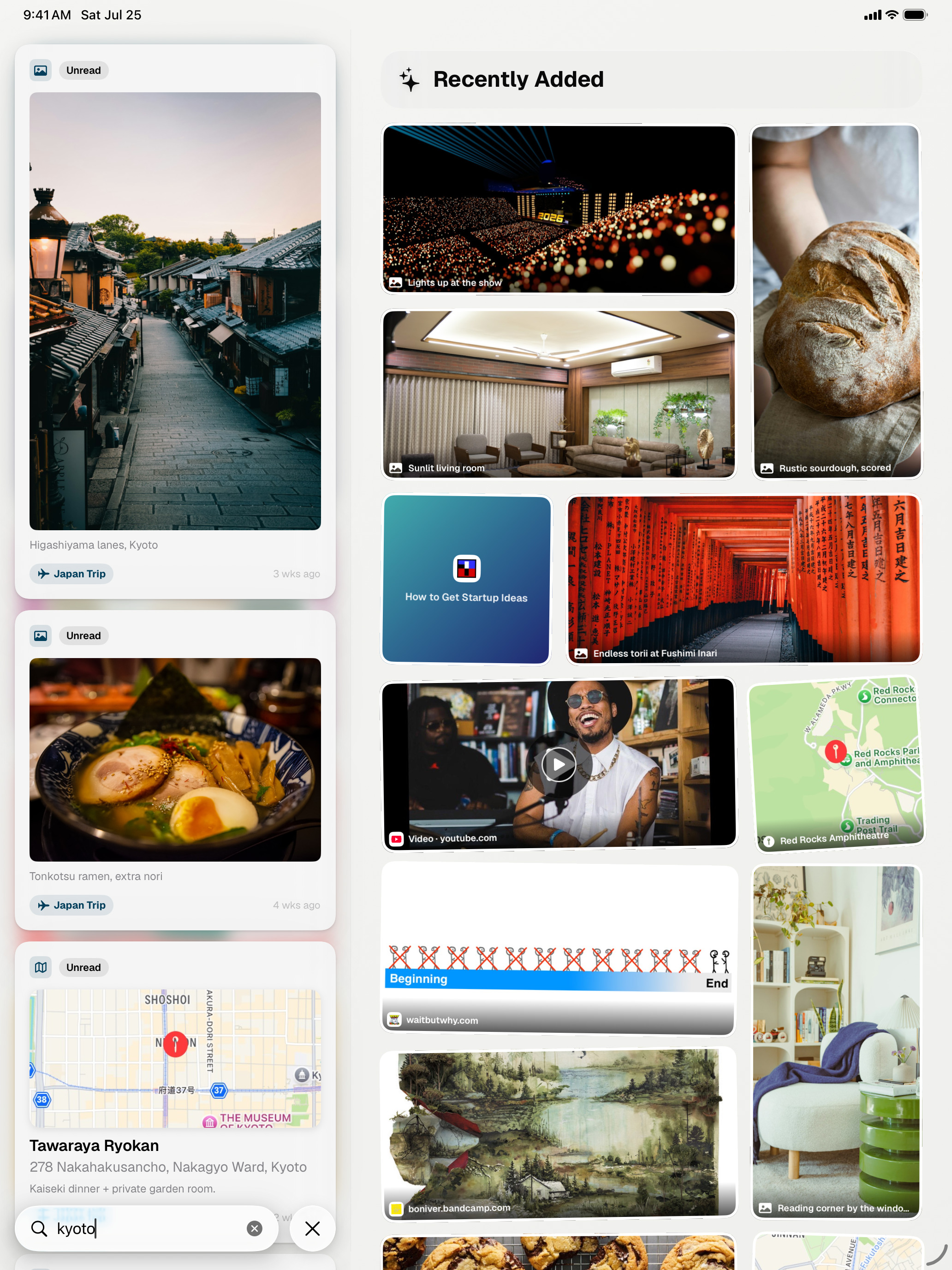
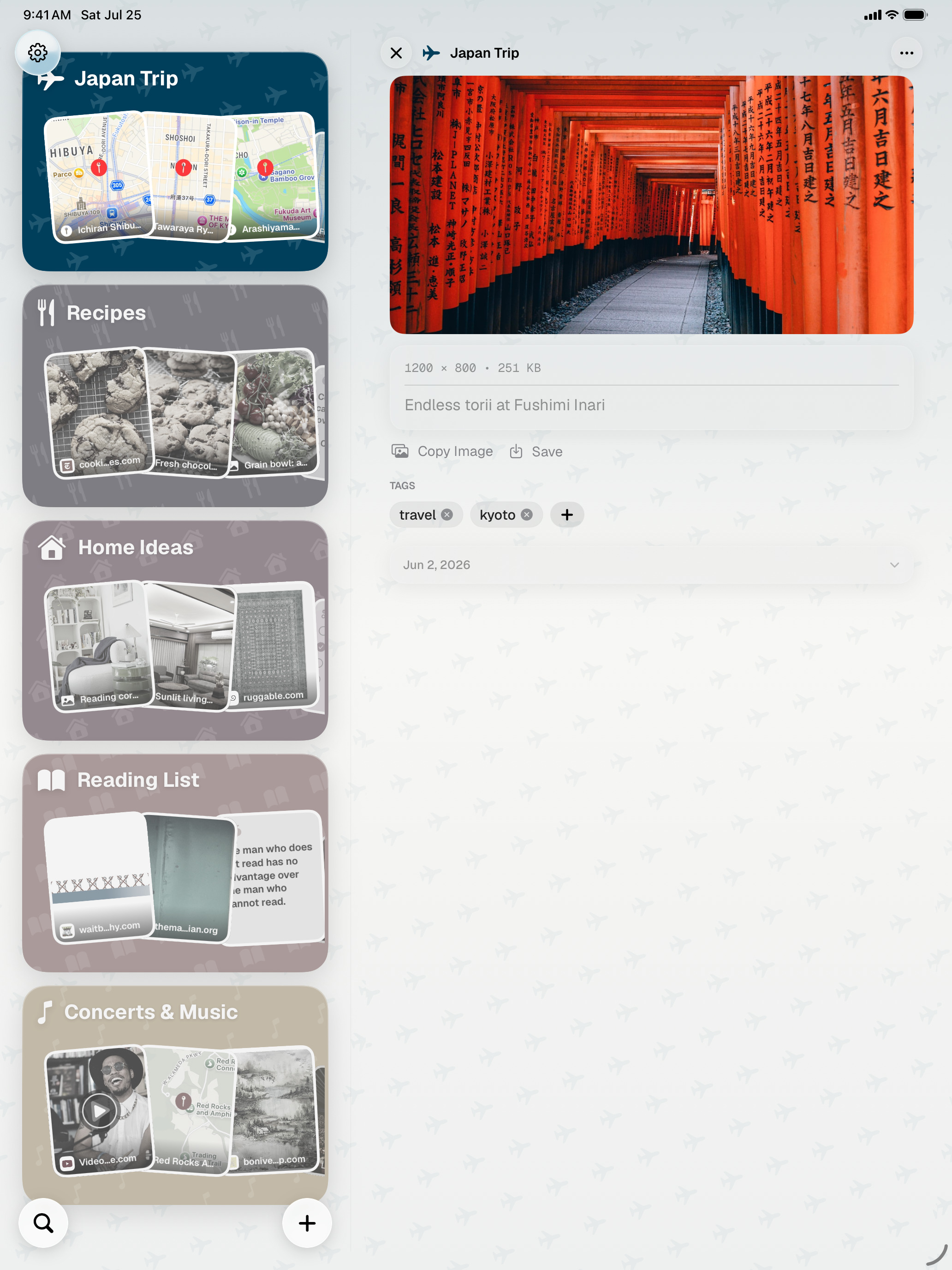
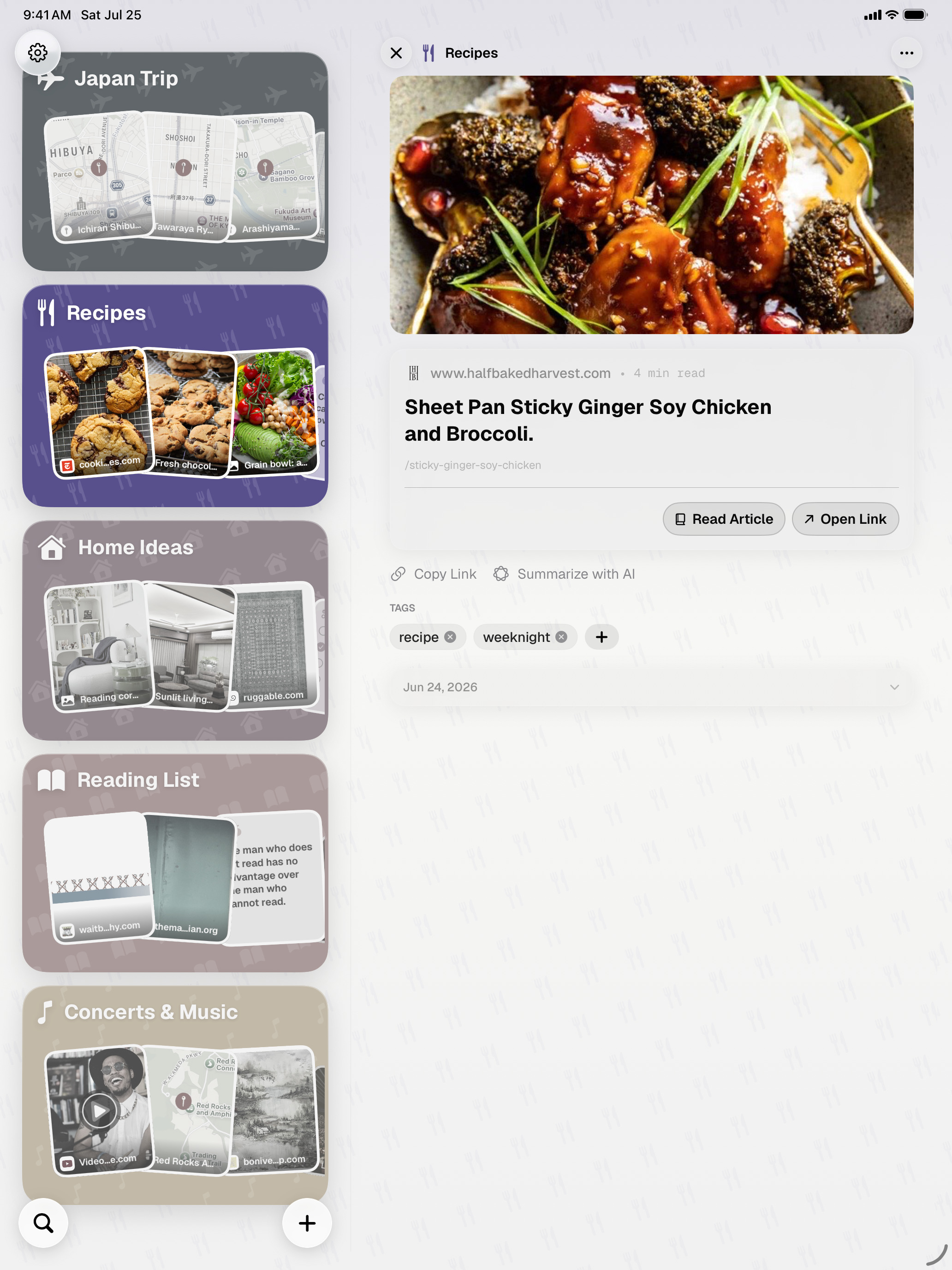
ToMe on iPhone and iPad, at full device resolution, no frame. Click any image to download it.
iPhone · 1320 × 2868
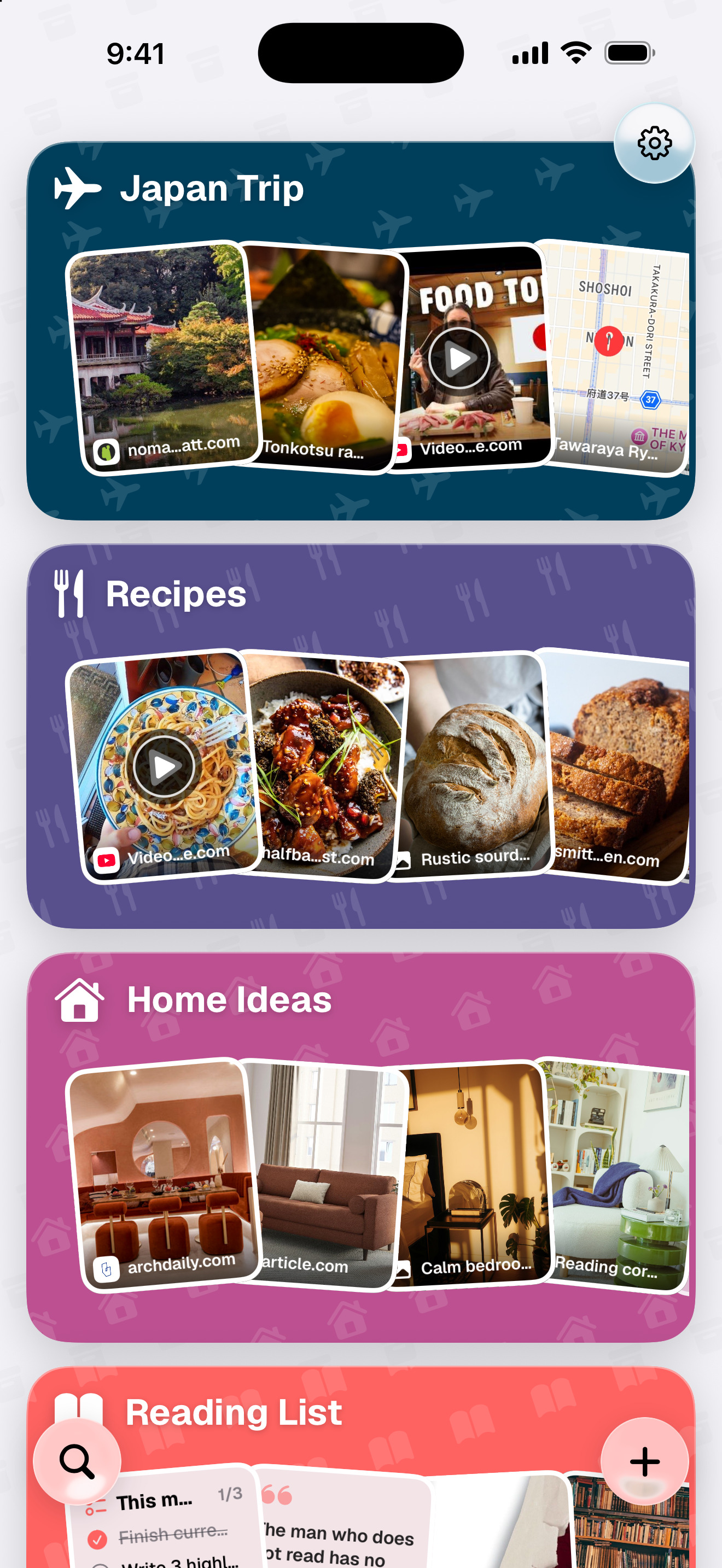
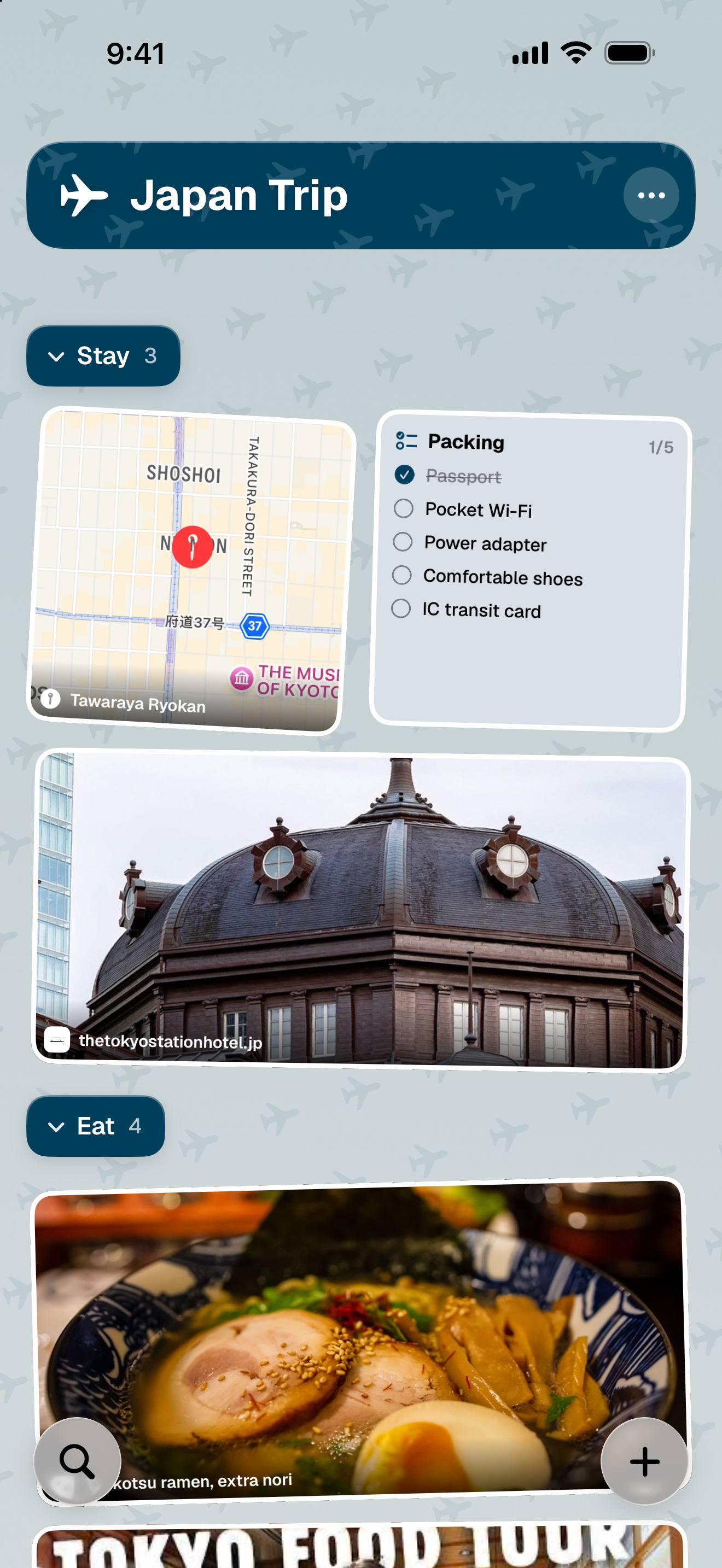
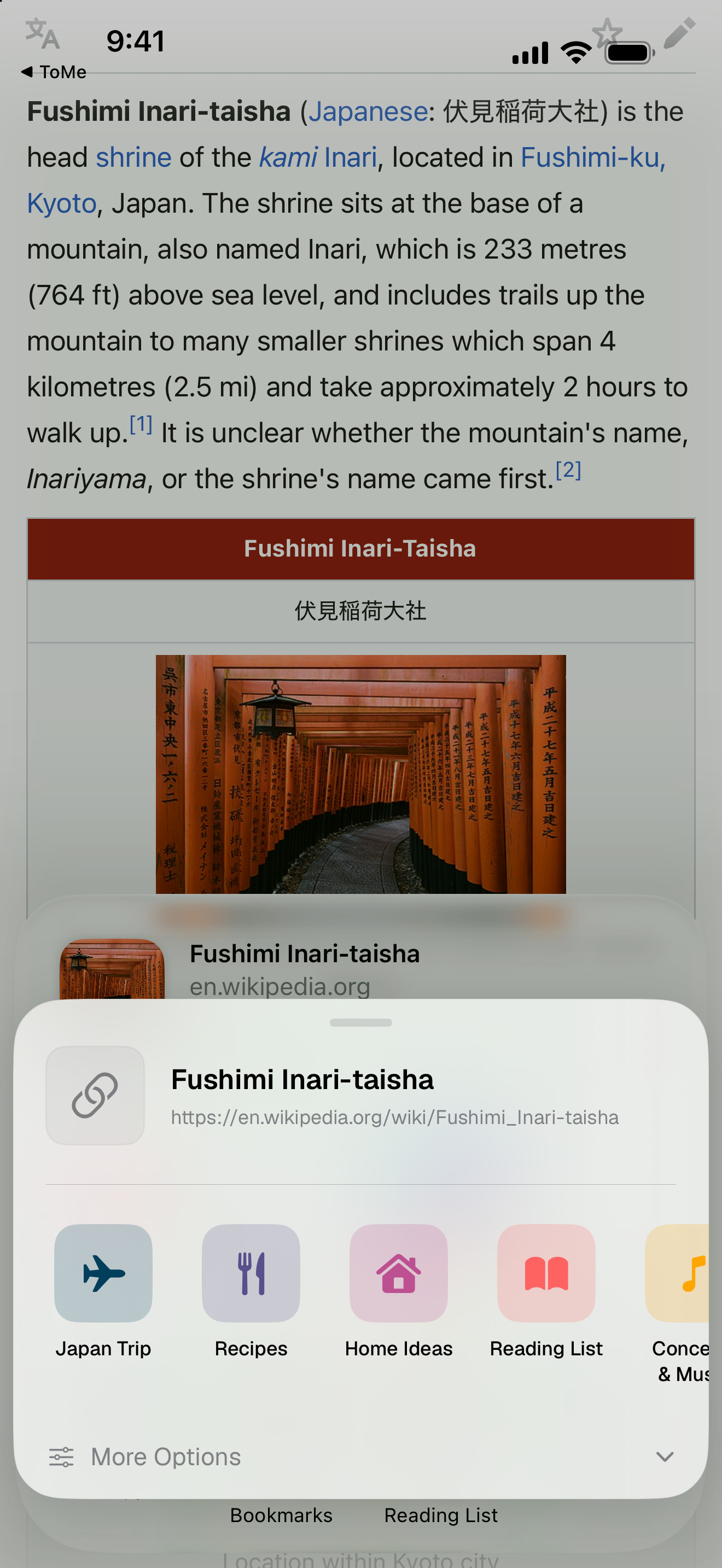
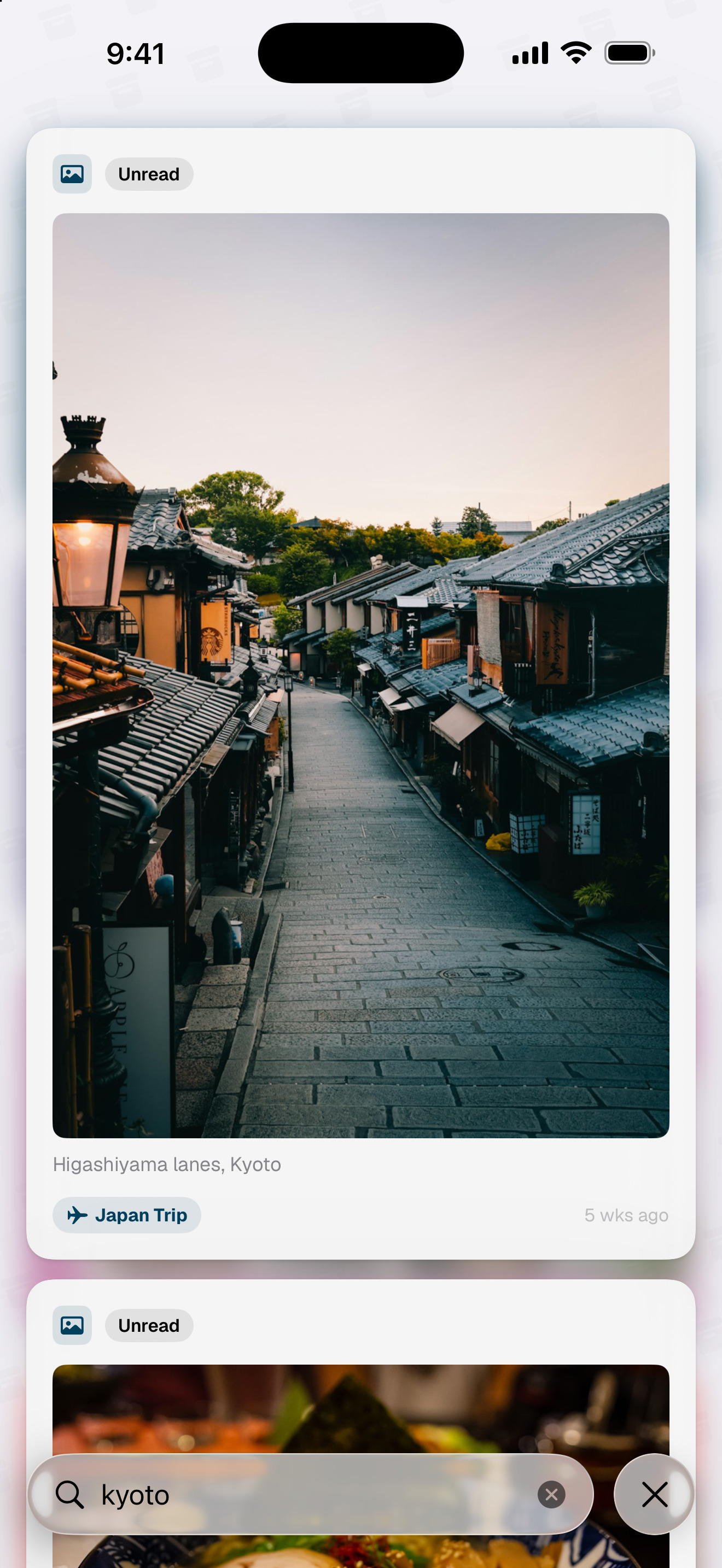
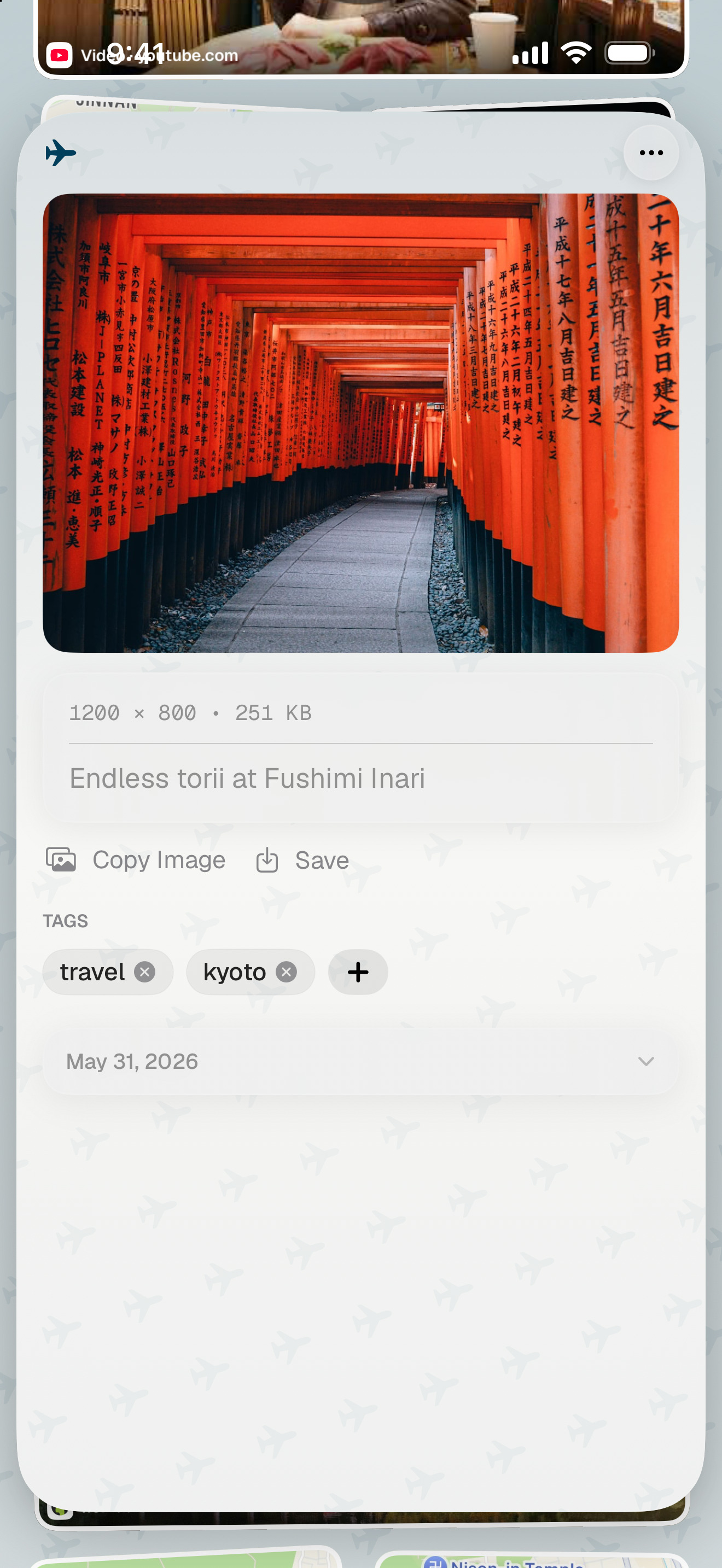
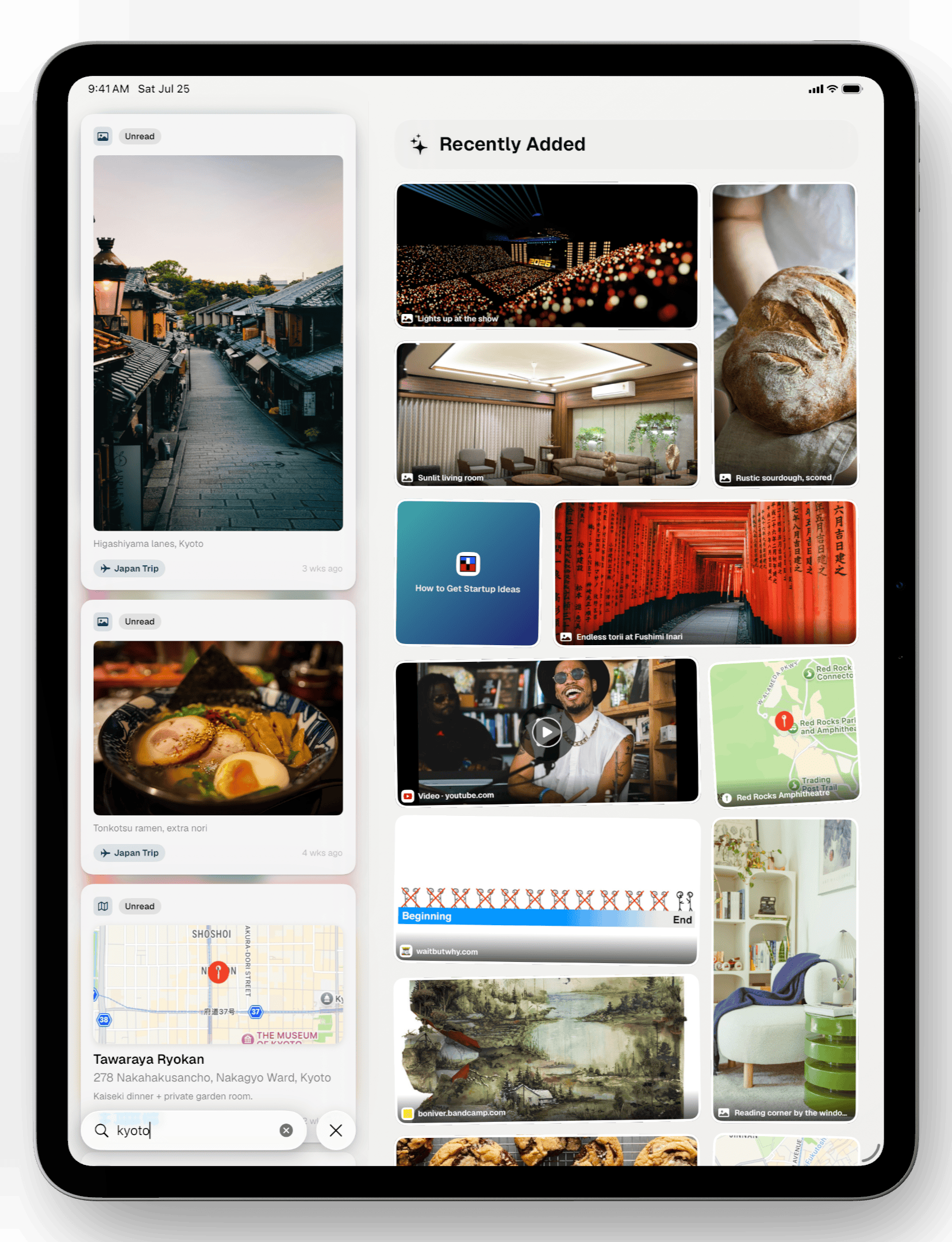
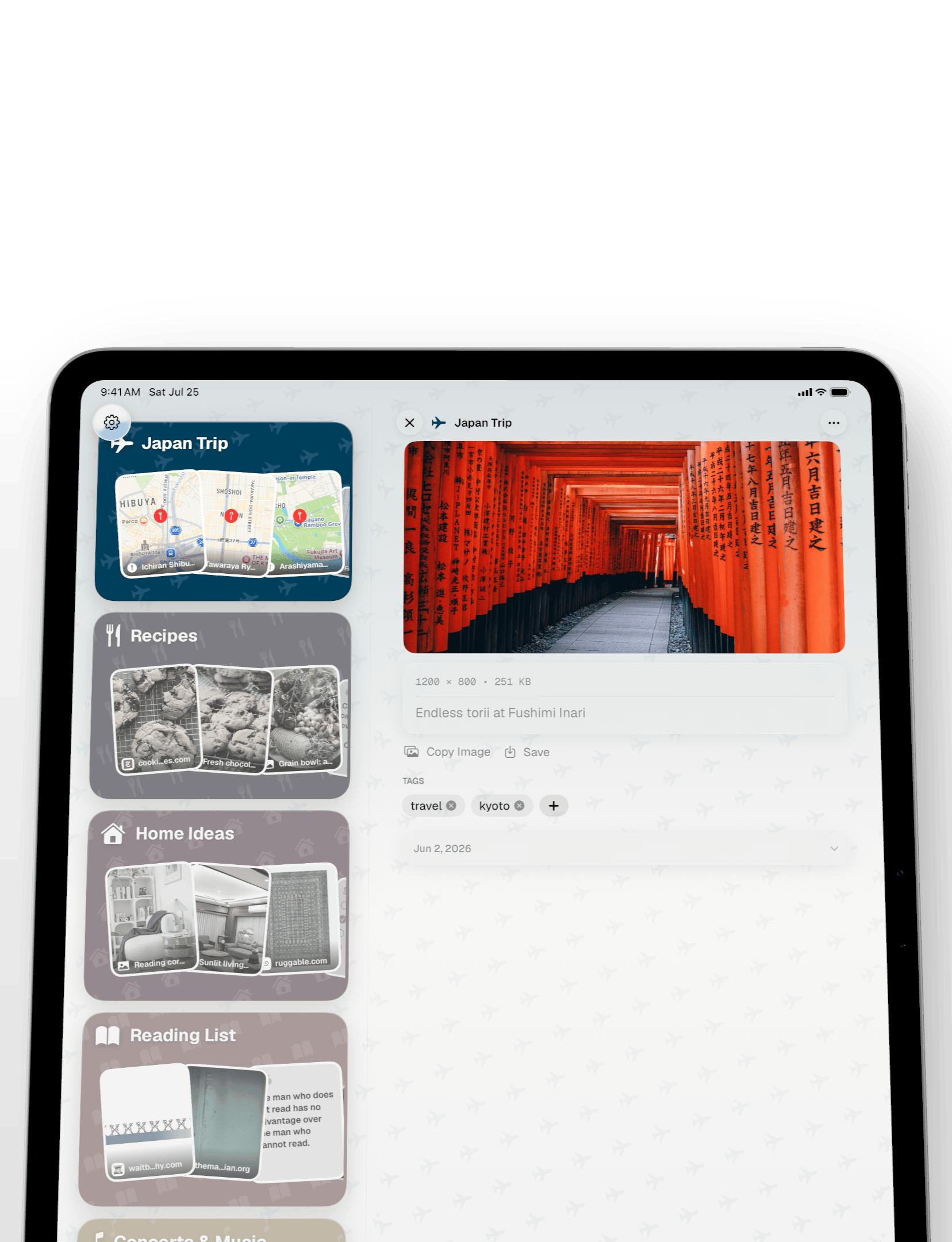
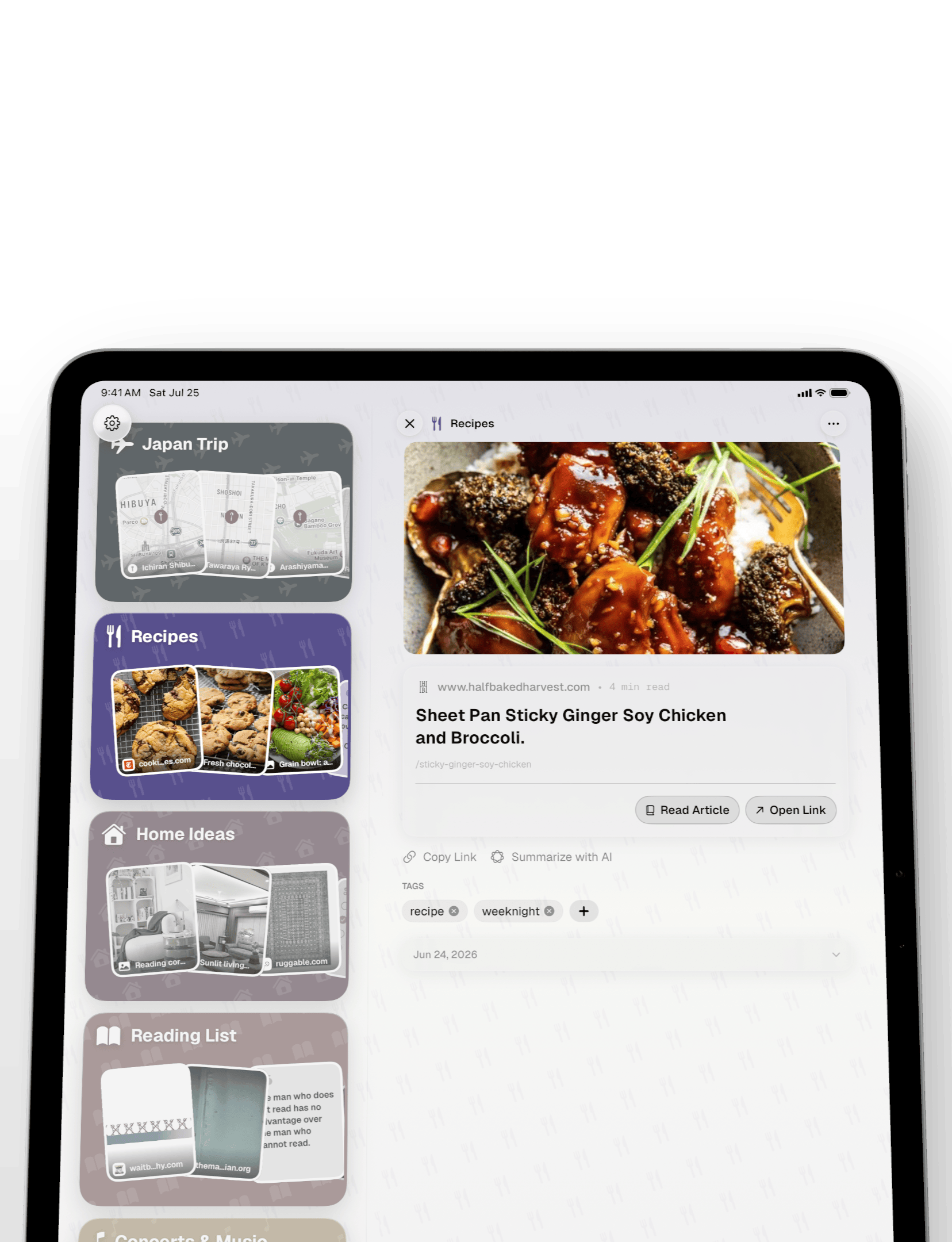
iPad · 2064 × 2752
In a device
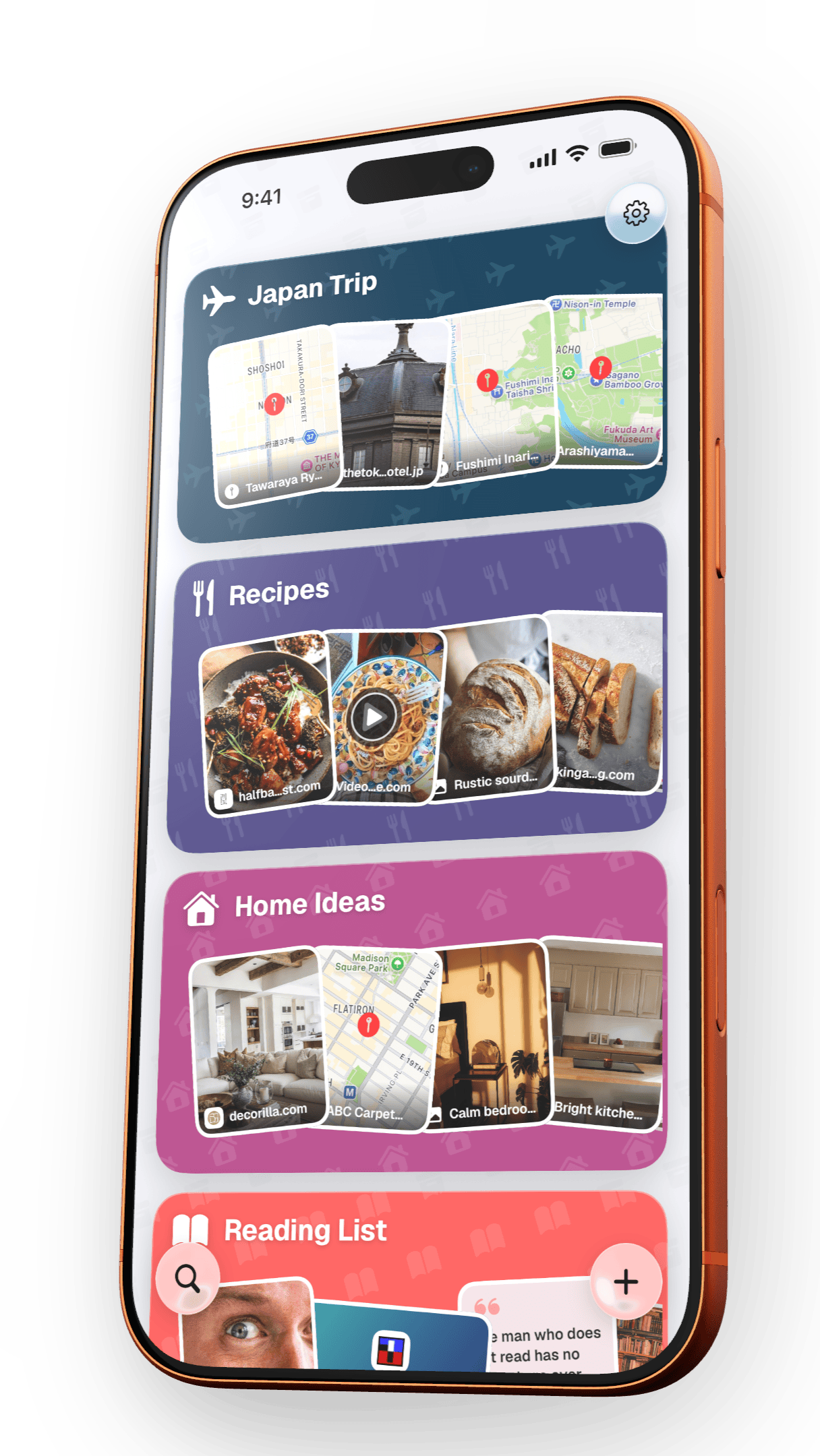
The same six screens in a real device frame, on a transparent background with a soft shadow. Drop them straight onto a layout, no cut-out needed.
iPhone · 1048 × 2160 · transparent PNG
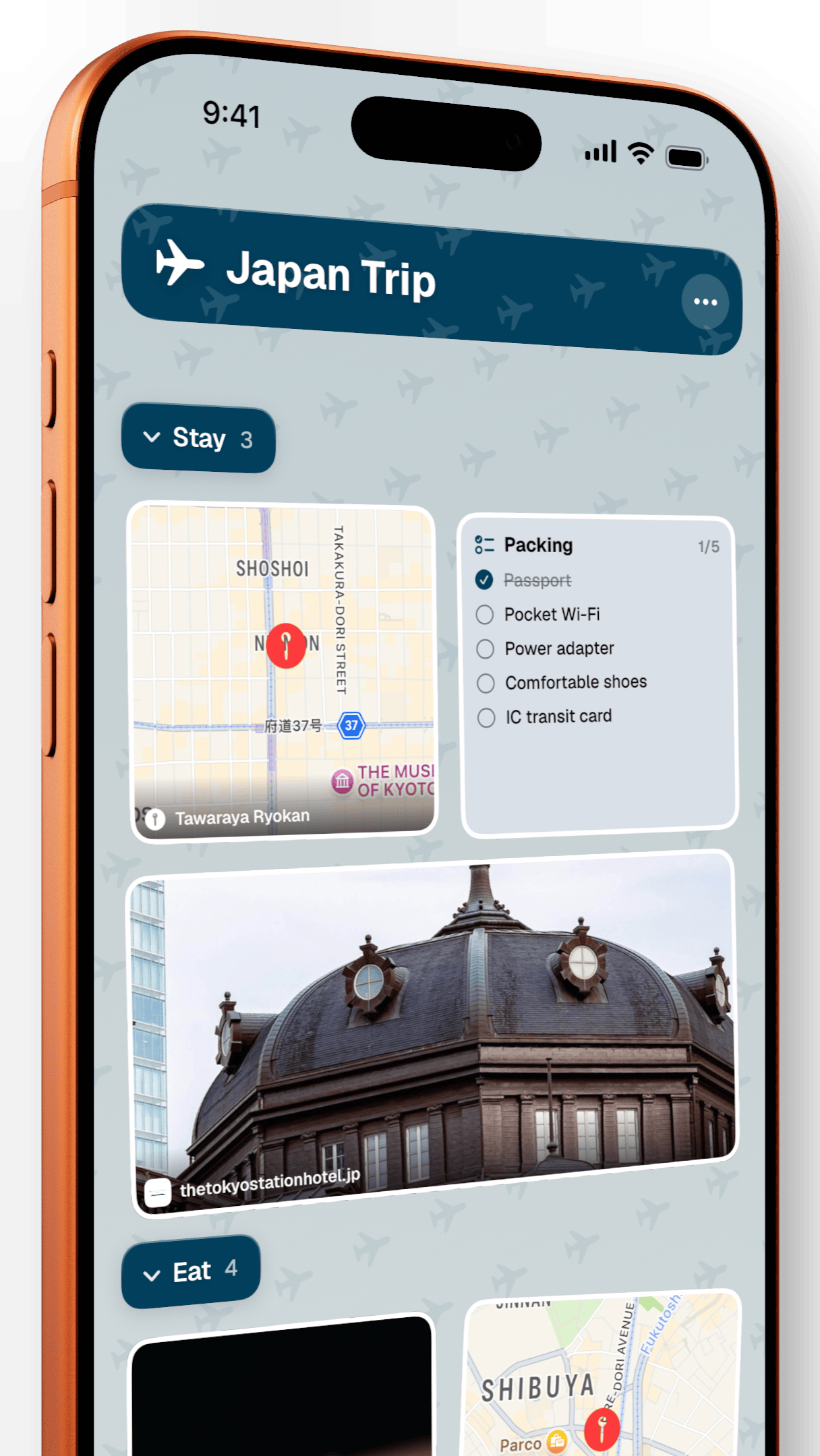
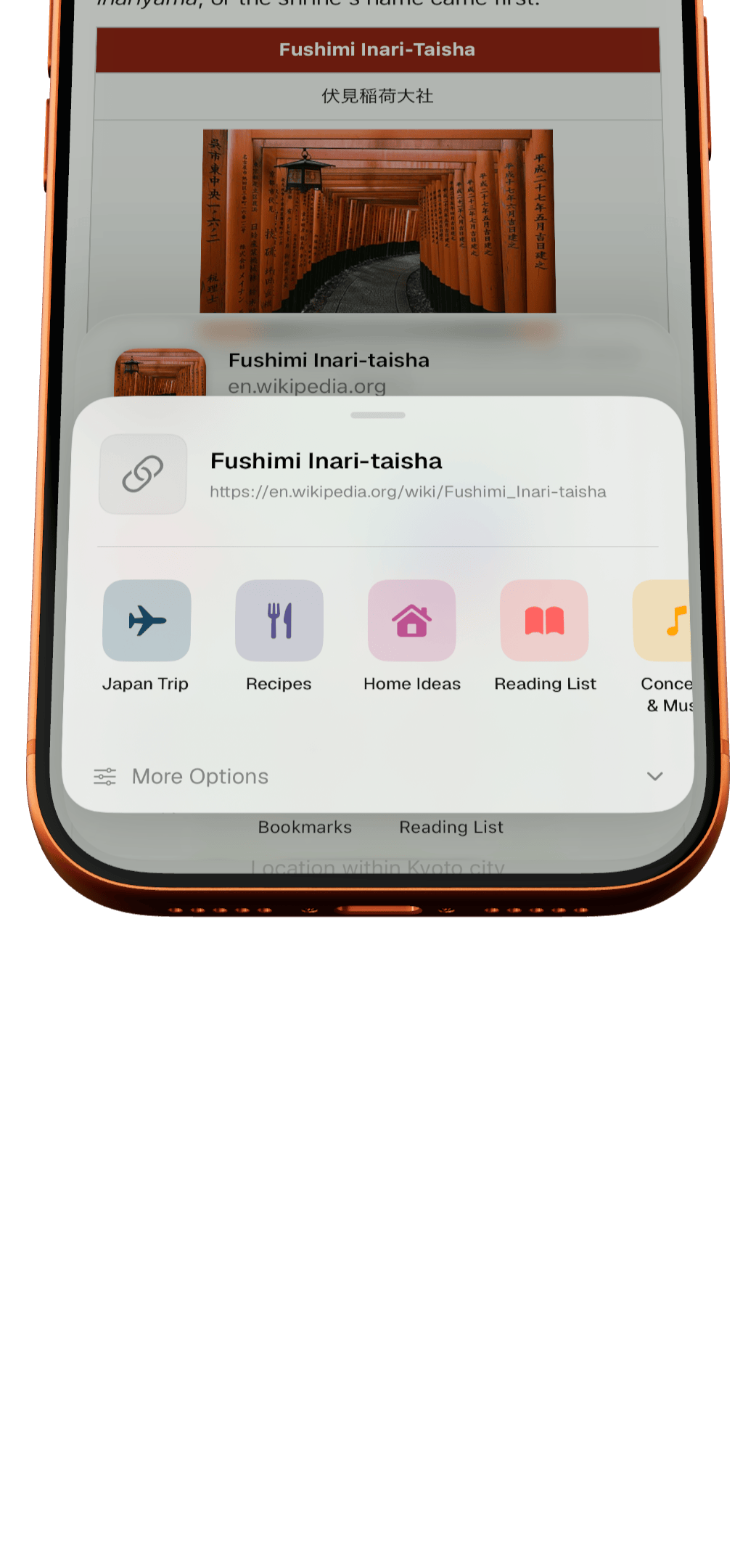
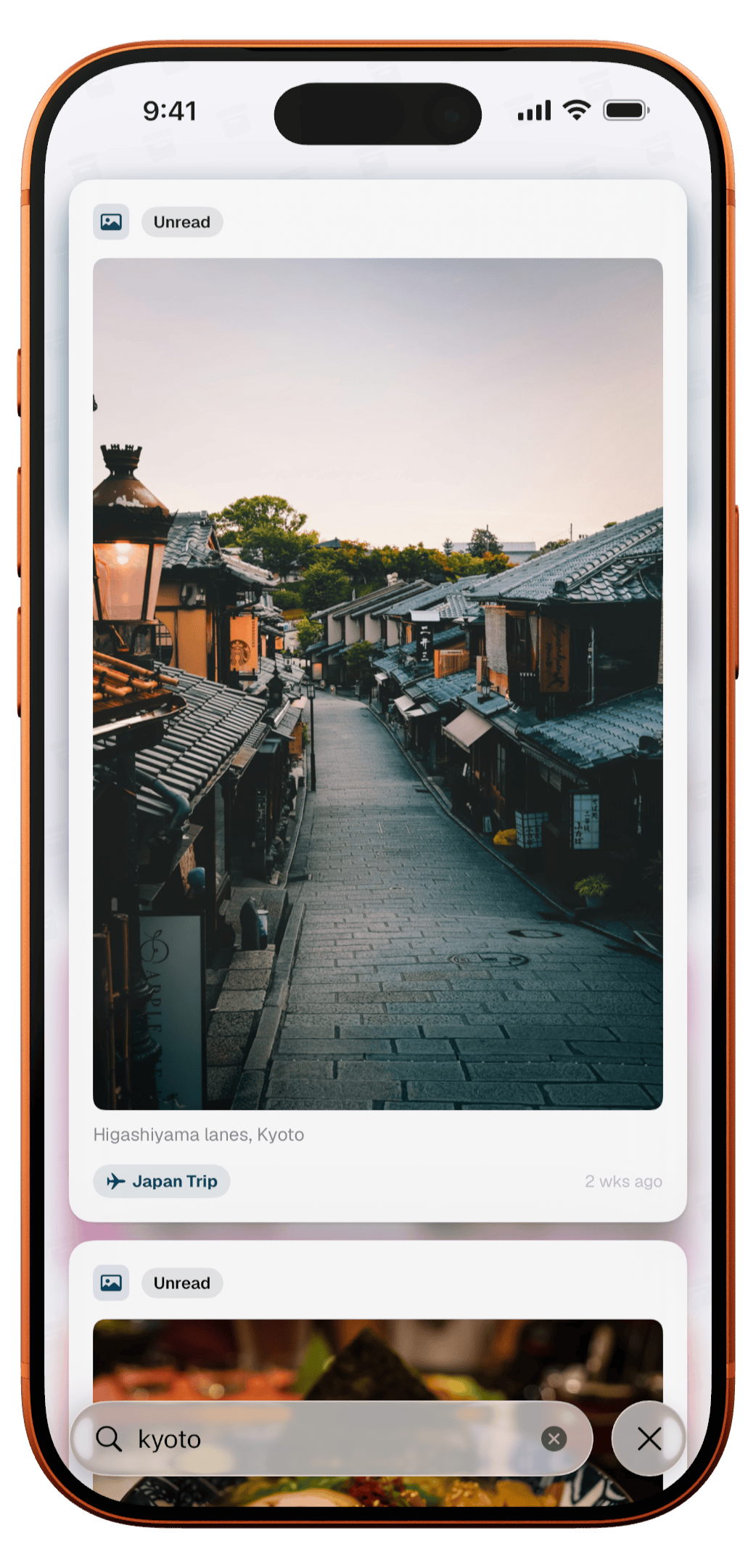
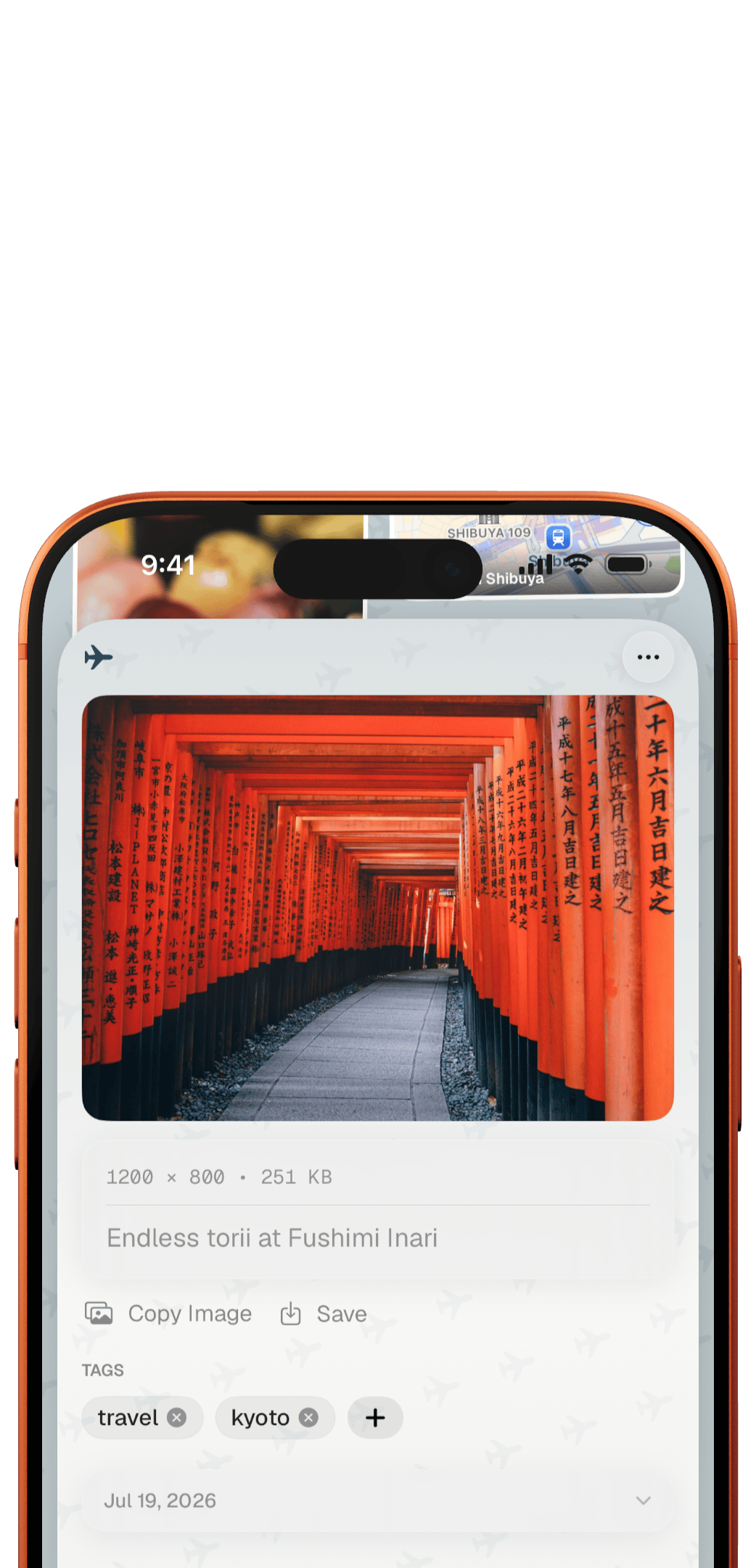
iPad · 1538 × 2160 · transparent PNG
Brand

ToMe has no single brand colour. Every Space is a folder in its own colour, and the site and screenshots use the same set on a warm paper ground, with ink-black text. Headlines are set in Fraunces, body text in DM Sans.


Using these
- Screenshots, device images and the app icon may be reproduced in editorial coverage of ToMe, in print or online, without asking first.
- Please don't crop, recolor, add effects to or place anything on top of the app icon, and keep the App Store badge to Apple's own guidelines.
- Screenshots show demo content created for the App Store listing — no real person's saved library is depicted.
- For anything else — a custom capture, an interview, a review copy, or a feature we haven't shipped yet — email and ask. Replies usually come within 48 hours.
Talk to a human
ToMe is made by one person. Questions, review copies, a screenshot in a language or a state that isn't in the kit: just ask, and you'll get a real answer, usually within 48 hours.